

How to Set Up Topic Clusters in Aomark Suite
Where to Find It
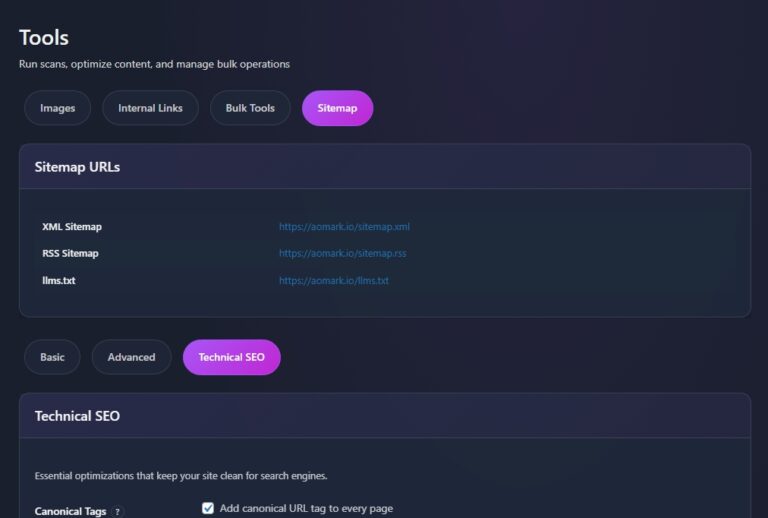
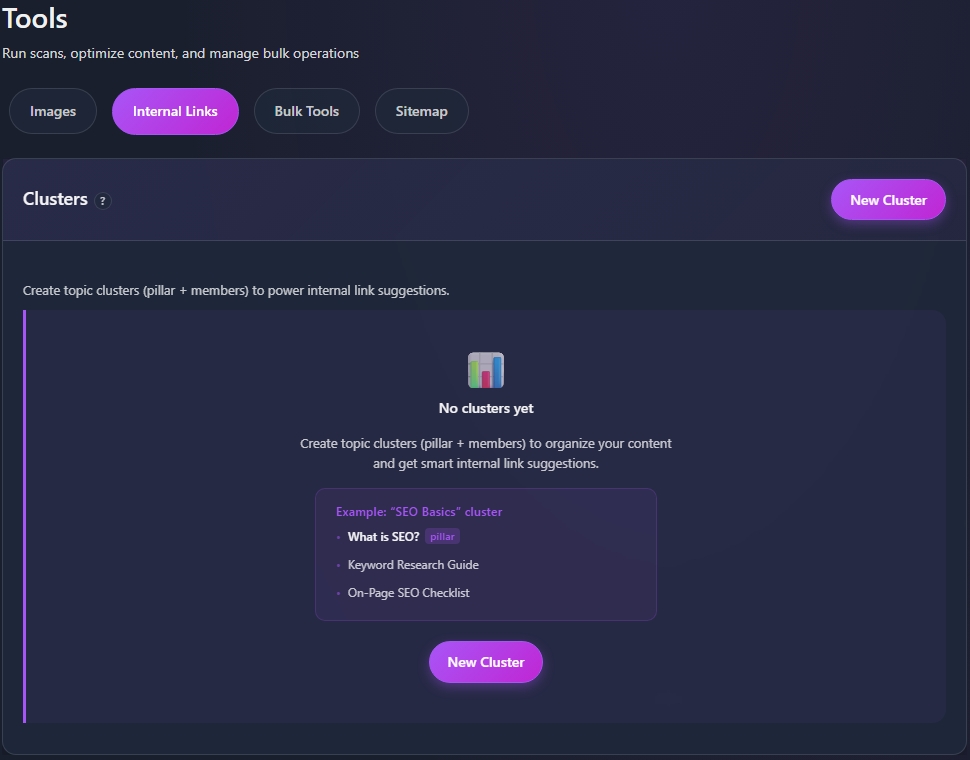
In your WordPress admin go to Aomark Suite > Tools and click the Internal Links tab. The top section is Clusters.
What Topic Clusters Are
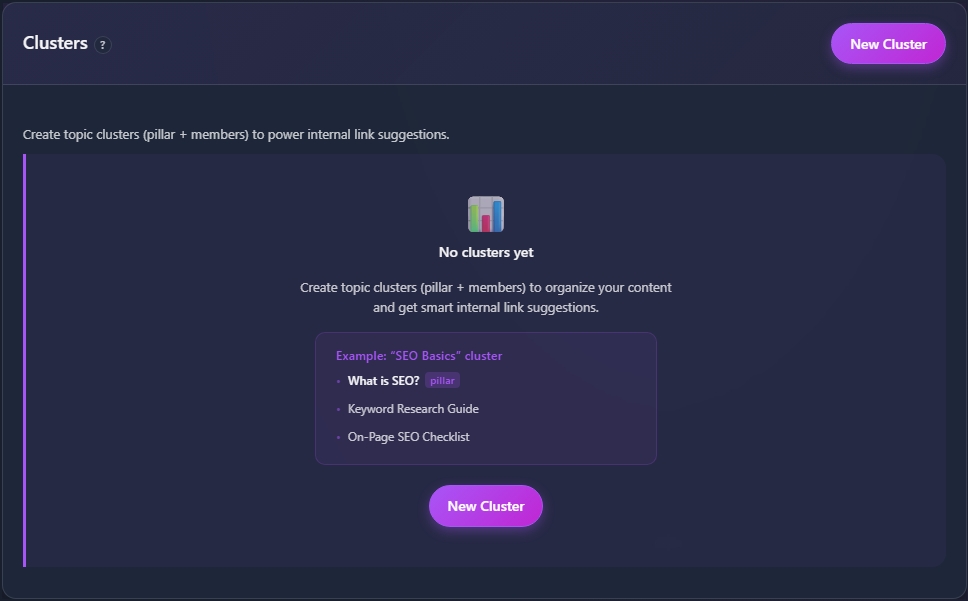
A topic cluster is a group of related content organized around one main pillar page. The pillar covers a broad topic, and the cluster members are more specific posts that dig into subtopics. Defining clusters tells Aomark how your content is related, which makes its internal link suggestions significantly more accurate and intentional.
Creating a Cluster
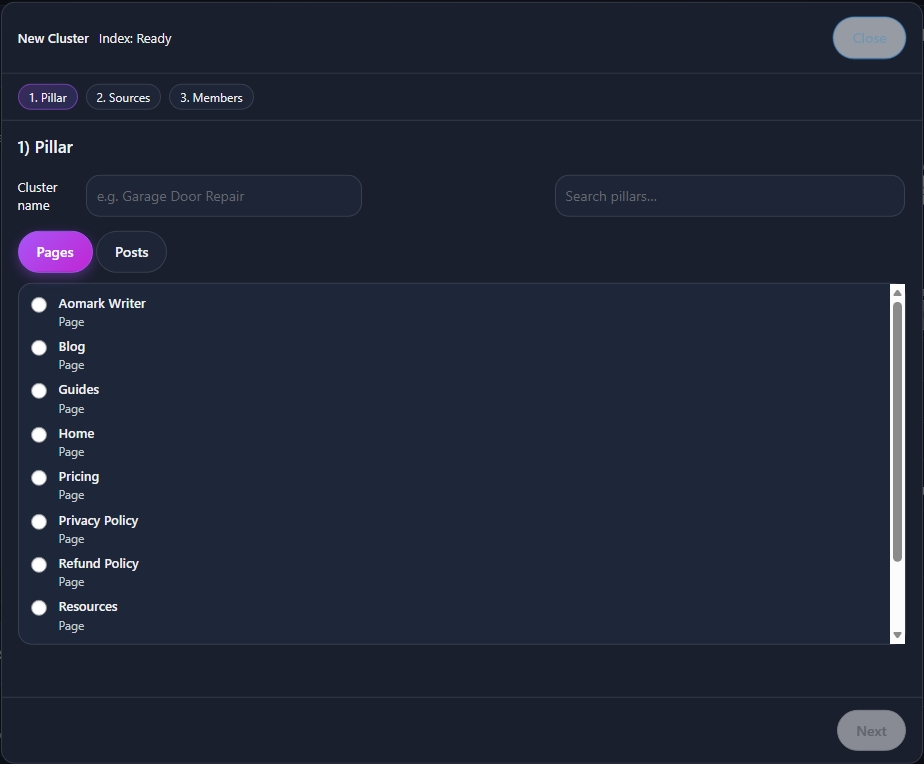
Click New Cluster. Give your cluster a name, typically the broad topic it revolves around, for example “SEO Basics” or “Image Optimization.”
Next assign a pillar page. This is the main post or page that the whole cluster links back to. Then add your cluster members, the supporting posts that cover subtopics within the same theme.
Interlink Policy
On the right side of the Internal Links tab you’ll see the Interlink Policy panel. This controls the rules Aomark follows when suggesting links across your clusters.
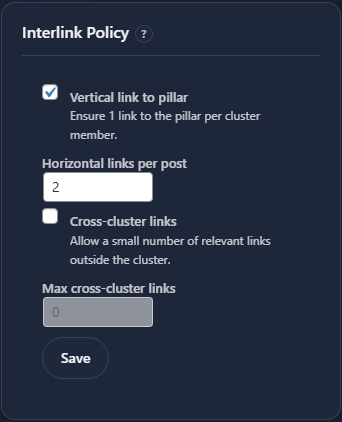
Vertical link to pillar ensures every cluster member always gets at least one link pointing back to the pillar page. This is the foundation of a healthy cluster structure and is recommended to leave enabled.
Horizontal links per post controls how many links between cluster members Aomark suggests per post. The default is 2 which is a sensible starting point for most sites.
Cross-cluster links allows Aomark to suggest a small number of links to relevant content outside the current cluster. This is useful when you have content that overlaps multiple topics. Set the max cross-cluster links to control how many are allowed.
Click Save when your policy is set.
Next Steps
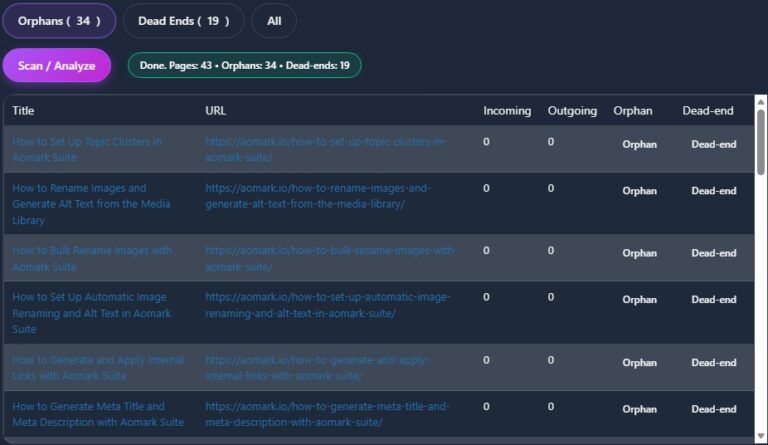
With your clusters defined, the next tutorial covers scanning your site’s internal link health to find orphan pages and dead ends.