




A wordpress canonical url tells search engines which version of a page should be treated as the main one. It’s how you keep duplicate content from splitting relevance across multiple URLs. WordPress often creates duplicates without you noticing. Think parameters, archives, and multiple paths to the same content. In this guide, you’ll learn how WordPress outputs canonical tags, where to check them, and how to change them safely. We’ll cover plugin options like Yoast SEO and Rank Math. And we’ll also cover developer-level overrides when plugins aren’t enough.
Best for: Sites with similar or duplicated pages where you want one URL to be indexed and ranked consistently.
Not ideal when: You can fix duplication with a clean redirect, or the page should not be indexed at all.
Good first step if: You’re seeing multiple URL versions in Search Console and need to pick the preferred one.
Call a pro if: Canonicals point to the wrong domain, vanish intermittently, or conflict across multiple plugins.
Quick Summary
- Canonical tags consolidate duplicate URLs by naming one preferred URL for indexing.
- WordPress outputs canonicals by default, but themes and plugins can override them.
- Yoast SEO and Rank Math let you set a custom canonical per post or page.
- Developer overrides use WordPress hooks, but they need careful scoping by page type.
- Most canonical issues come from domain mismatches, caching, or competing SEO outputs.
What a Canonical URL is (and Why WordPress Sites Need It)
A canonical URL is the preferred version you want indexed when duplicates exist, usually set with a rel=canonical tag in the head. WordPress needs it because duplicates are common across archives, tracking parameters, and alternate URL formats.
Canonical vs Redirect vs Noindex
A canonical consolidates signals while keeping multiple URLs accessible. A redirect moves users and bots to a new URL. A noindex prevents indexing even if the page exists. For instance, use a redirect after a permalink change. Use noindex for thin tag archives.
How WordPress Generates Canonical URLs by Default
WordPress core generates canonicals for posts, pages, archives, and pagination to normalize URLs. It also fixes some admin URLs via wpadmincanonical_url(). Themes and SEO plugins may override or duplicate this output.
Where to Find the Rel=canonical Tag in Your HTML
View page source and look in the HTML head for rel="canonical". Check the href value matches your preferred clean URL. For example, a URL with utm parameters should usually canonicalize to the same page without them.
How to Change the Canonical URL in WordPress (Plugin Methods)
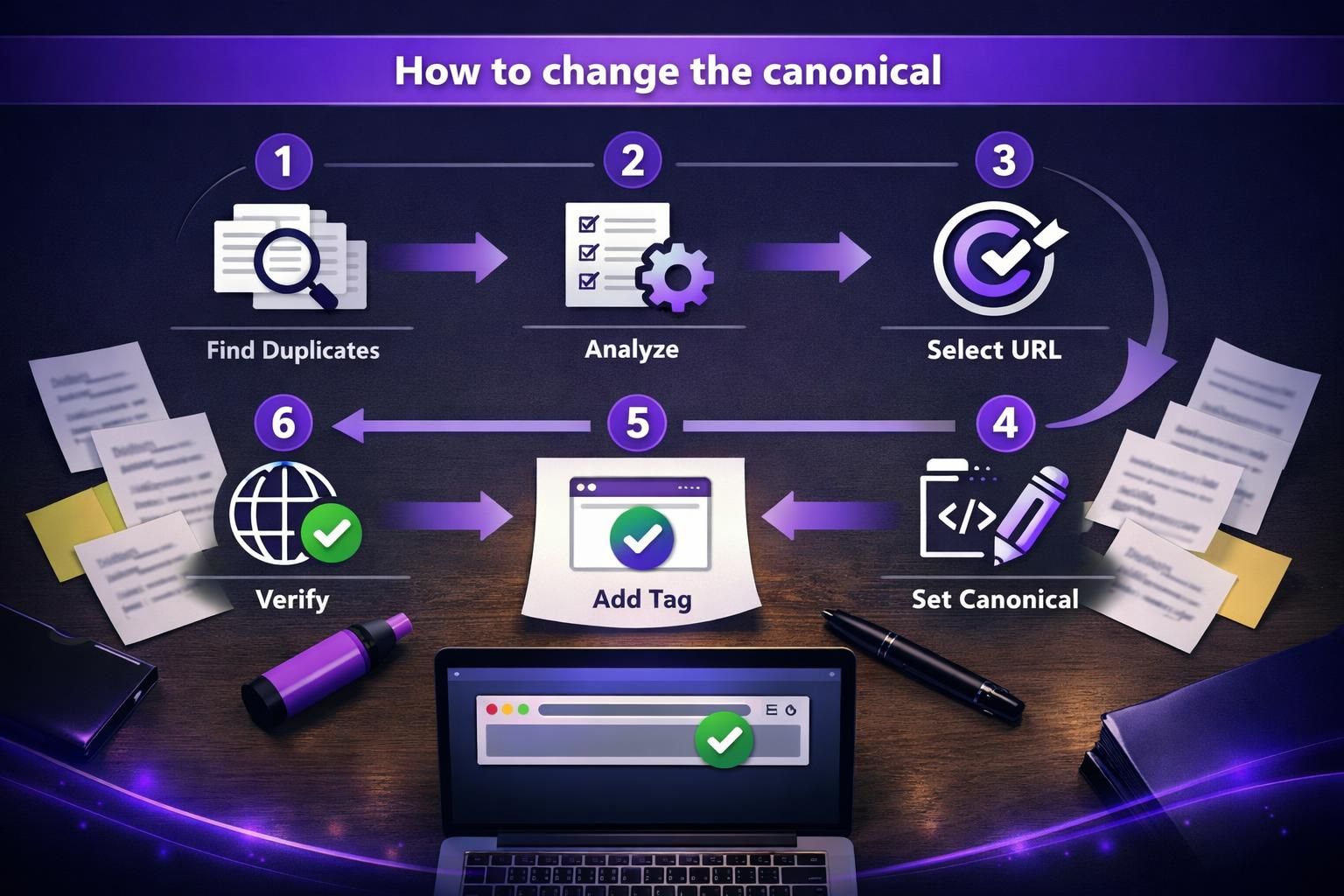
Use plugins to set canonical url wordpress values per post or page inside the editor. For republished content, point canonicals to the original. Avoid running multiple plugins that output canonicals.
Yoast SEO Canonical URL Settings
Yoast lets you set a canonical per post or page. In the editor,
Rank Math Canonical URL Settings
Rank Math includes canonical controls in the Rank Math Advanced tab in the editor. Edit a post, open Rank Math settings, and go to Advanced. For instance, if a paginated series has a “view all” page, you can point canonicals there.
How to Set a Canonical URL Without an SEO Plugin (Developer Options)
Developers can override canonical output with hooks for specific templates, such as parameterized or faceted pages. If you use Yoast, filtering wpseo_canonical is common.
If you output your own canonical tag, ensure core or another plugin isn’t already printing one.
When to Use Theme Functions vs a Small Plugin
Use theme functions only when the behavior is tightly tied to that theme. Use a small plugin when you need portability across theme changes. For example, a canonical override for custom post types should usually live in a plugin, not functions.php.
Common WordPress Canonical URL Problems and Fixes
Common issues include wrong domains, missing tags, or duplicate canonicals from themes/plugins. Fix by standardizing settings and ensuring only one canonical prints. If changes don’t appear, caching may serve old head HTML; test an uncached request and view source.
Wrong Domain (Http/https, Www/non-www, Staging Domains)
Wrong-domain canonicals often follow migrations or bad site settings. Check WordPress Address/Site Address, proxy settings, and whether a staging domain leaked after a database copy. Also review plugins or custom fields hardcoding http or old hosts.
Canonical Missing (Noindex, Plugin Conflicts, Pagination)
Canonicals may disappear if a plugin suppresses head output, noindex settings alter behavior, or multiple SEO plugins compete. Pagination can lose tags when optimization strips HTML. If edits don’t show, check caches, minification, and duplicated head markup.
Best Practices and SEO Caveats for WordPress Canonical Tags
Canonicalize to the final, indexable version of the URL: HTTPS, preferred host, and consistent trailing slash. Keep this consistent across templates.
Be cautious with manual canonicals. Pointing important pages at the wrong URL can deindex what you actually want to rank.
Categories/tags, Archives, and Parameter URLs
Archives and parameters create duplication. Decide whether category/tag archives are indexable, then apply canonicals or noindex consistently. If /category/shoes/ is indexable, don’t canonicalize it to the root. Canonicals should drop tracking parameters like utm.
Quick Checklist: Canonical URL Audit for WordPress
Use this checklist to catch canonical tag wordpress issues after redesigns or plugin changes. Confirm one rel=canonical tag, HTTPS and preferred domain, self-references on posts/pages, clean canonicals for parameter URLs, intended archive behavior, and recheck after caches and updates.
Conclusion
A clean wordpress canonical url setup keeps duplicates from diluting relevance and wasting crawl attention. Start by checking what WordPress outputs by default. Then adjust with Yoast, Rank Math, or a targeted hook when needed. Keep canonicals consistent across domain versions, archives, and parameter URLs. And when something looks off, confirm caching and plugin conflicts before changing more settings.