




Alt text helps people using a screen reader understand what an image contributes, and it can also support indexing when used naturally. With alt text for logos, the goal is usually simple: identify the brand or communicate what the logo does in context. This article shows when to use the company name, when to write for a link destination, how to handle taglines and text-only marks, and when empty alt (alt="") is the right choice. You will also get practical examples and quick fixes you can apply in HTML or a CMS alt text field.
Best for: Designers, marketers, and editors who need consistent, accessible logo alt attribute text across pages and templates.
Not ideal when: The logo is purely decorative or repeated next to identical brand text, where added alt would be redundant.
Good first step if: You can identify whether the logo is informative, functional, or decorative in its exact context on the page.
Call a pro if: The logo is embedded via CSS background image, SVG icon systems, or an image map with complex interactive regions.
Quick Summary
- Alt text should communicate the meaning of the logo in context, not the visual shapes or colors.
- For most non-link logos, using the brand or organization name is enough and stays concise.
- For linked images, write the destination or action, because the logo is functioning as a control.
- Include tagline text only when it is essential and not already present as nearby text or a caption.
- Use empty alt (alt="") when the logo is decorative or repetitive and adds no new information.
What Alt Text for Logos Should Communicate
Alt text should convey either the brand identity or the function the logo serves on the page. Keep it clear, brief, and accurate. If nearby text already names the brand, avoid repeating it.

Brand Identification Vs. Functional Purpose
A logo may identify the organization or function as a link. Decide which role applies in context, then write alt to match that role, not the graphic’s appearance.
Default Rule: Use the Brand Name (Not a Description of Shapes)
For a standalone mark, the default alt is the brand or organization name. This best matches what users need and avoids distracting shape descriptions like “blue circle with a bird.” Keep it as short as possible while still unambiguous, often one to a few words. If you set a standard, document it in your editing resources for consistency.
When Adding “Logo” Helps Vs. Adds Noise
Add “logo” only when the name might be mistaken for body text. Skip it when the header already labels the brand or when logos repeat in navigation.
If the Logo Links Somewhere, Write Alt Text for the Destination
If the logo is clickable, write alt text that describes the destination or action, because it functions like a control. Use wording similar to good link text and avoid “CompanyName logo” in link lists. In HTML, put this in the img alt within the anchor, or your CMS field. Document the pattern in site-wide guidelines.
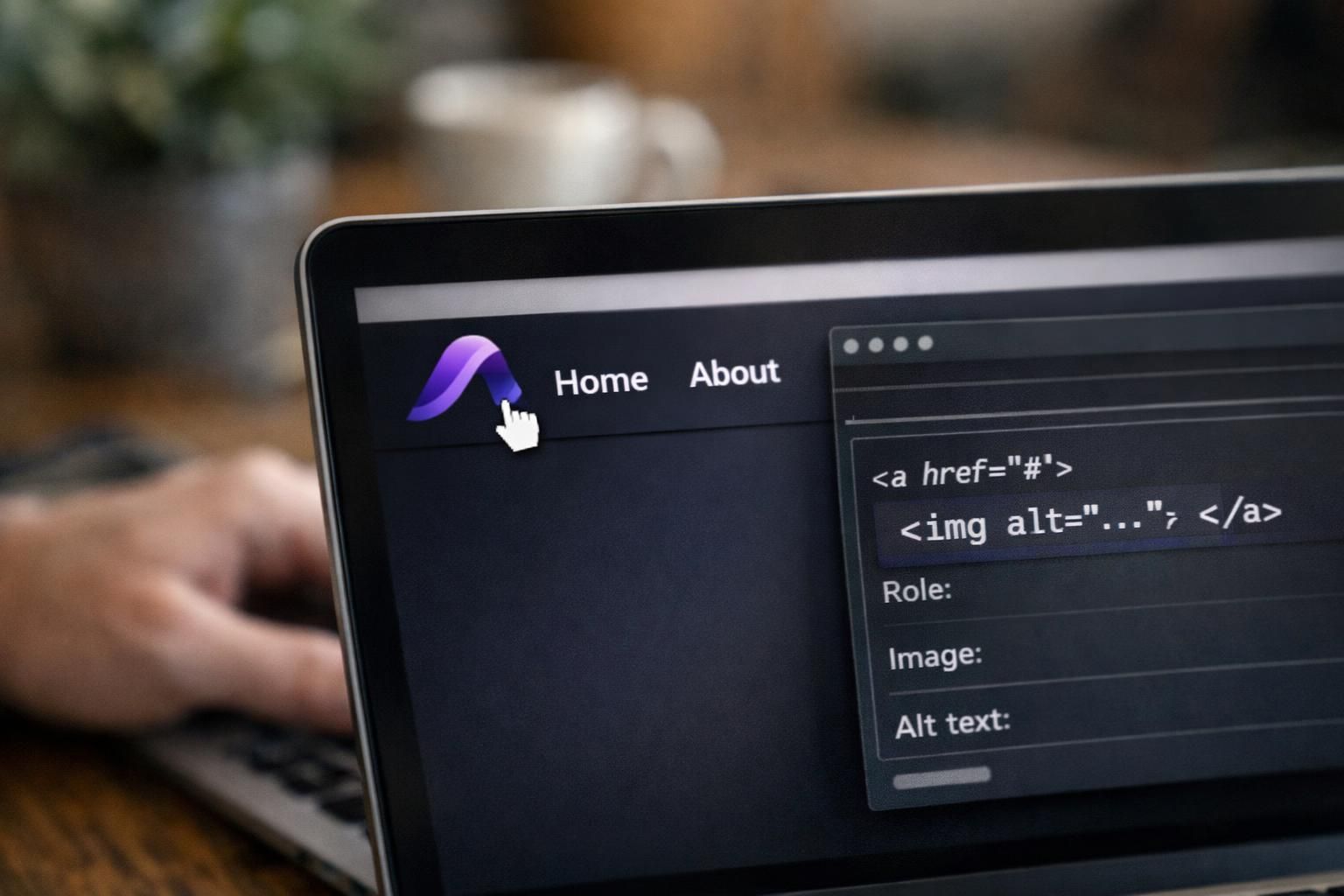
Homepage-linked Logos and Other Common Link Targets
For a homepage-linked logo, use alt like “Home” or “Go to homepage.” For other destinations—parent site, campaign landing page, dashboard—match the alt to that target.
Logos With Taglines or Extra Text: What to Include
If a logo includes a tagline or other text, include those words in alt only when they add essential information and are not written elsewhere. If the text is decorative or duplicated nearby, omit it to reduce repetition. For lockups with a required formal name (for example, official seals), use the standardized wording specified by the organization’s brand or compliance guidance.
Wordmarks, Lockups, and Text-only Logos
For wordmarks, use the organization name as written. Include division names or extra wording only when it clarifies which entity the page represents for users.
When (and How) a Logo Can Be Treated as Decorative
Treat a logo as decorative when it adds no information and does not trigger an action. Use empty alt (alt="") so assistive tech skips it. This fits purely stylistic branding, repeated footer logos, or ornamental SVG marks beside an already-labeled name. If it’s a CSS background, provide equivalent text in markup, as covered in step-by-step tutorials.
Background Images, Repeated Logos, and Avoiding Redundancy
When the same logo repeats, expose only the meaningful instance to screen readers. If identical brand text is adjacent, use empty alt to avoid duplication, unless it’s the only link label.
Common Mistakes (and Quick Fixes)
Common issues are vagueness, repetition, and describing shapes instead of meaning. Replace “logo” with the brand name, or with the destination when it’s a link. Remove alt when identical nearby text already names the brand, and use empty alt for decorative or repeated marks. Also watch for missing alt after template edits, new SVG systems, or CMS imports. Quick spot checks catch problems early.
Keyword Stuffing, Filenames, and “Image Of” Patterns
Don’t force SEO keywords into logo alt text. Never use filenames like “company-logo.png.” Skip “image of” or “picture of,” since screen readers announce images automatically.
Copy-and-paste Examples You Can Adapt
Use these as starting points, then adjust for context and whether the logo is informative, functional, or decorative.
- Standalone logo in header: alt="CompanyName".
- Logo link to homepage: alt="Home".
- Logo link to parent site: alt="Parent organization name".
Conclusion
Good logo alt text is contextual: identify the brand when the logo is informative, name the destination when it is a link, and use empty alt (alt="") when it is purely decorative or redundant. Keep it short, avoid describing shapes, and only include taglines when the words are essential and not already nearby. Standardize your approach in templates and guidelines so the same logo behaves consistently across pages.