

How to Find and Fix Broken Links in WordPress (Step by Step)
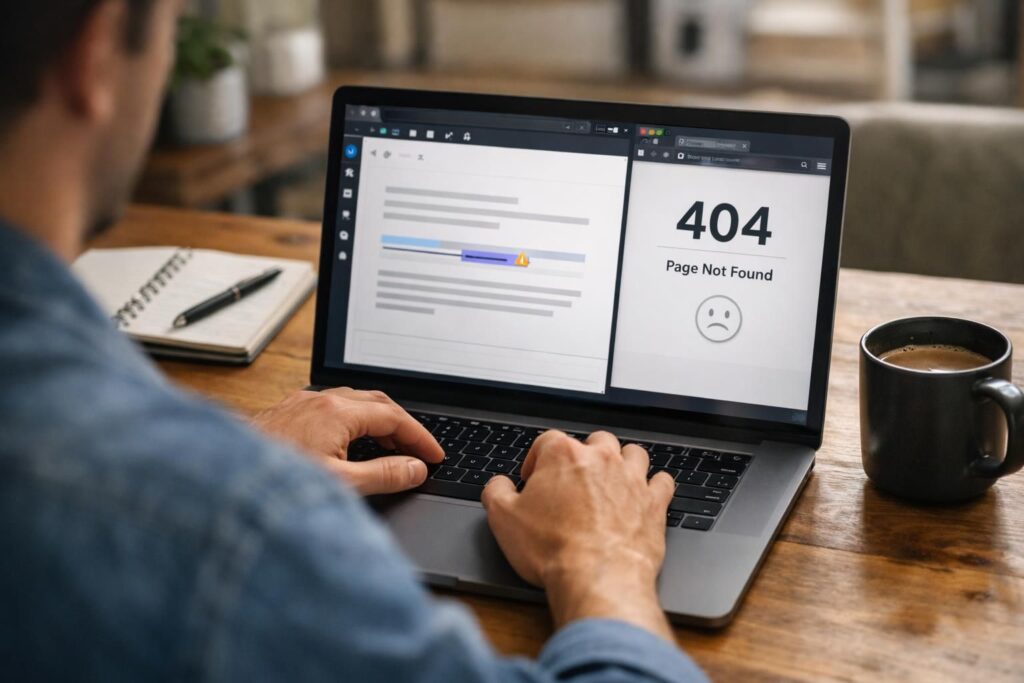
If you need to wordpress find broken links, you’ve got three solid routes. You can scan inside the WordPress dashboard with a plugin. You can crawl the whole site with an audit tool. Or you can pull confirmed errors from Google Search Console. Each method catches different issues. And each one fits a different site […]
Robots.txt WordPress: How to Find, Edit, and Configure It Correctly
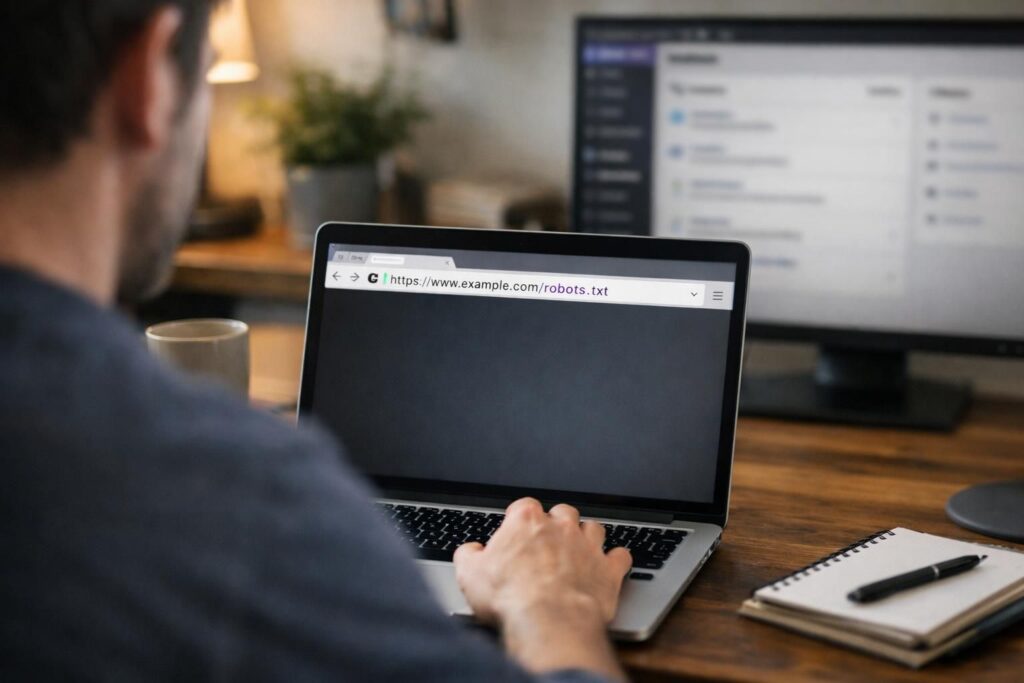
If you’ve ever wondered why Googlebot isn’t crawling a section of your site, robots.txt is usually the first place to look. On WordPress, it’s also easy to get wrong. That’s because WordPress can serve a virtual file, plugins can override it, and a tiny typo can block the wrong URLs. This guide to robots.txt wordpress […]
How to Duplicate a Page in WordPress (Without Breaking Anything)
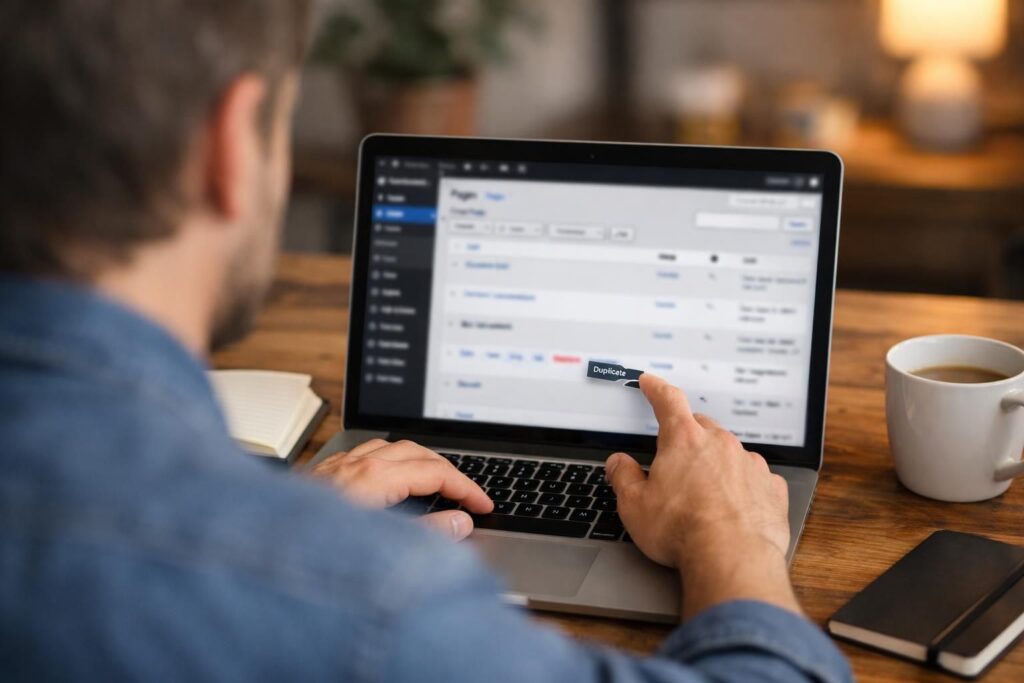
If you’re wondering how to duplicate a page in WordPress, you’ve got a few solid options. The right one depends on how often you’ll do it, and what kind of page you’re copying. A simple “About” page is easy. A builder layout with custom fields needs more care. In this guide, you’ll learn when duplicating […]
Best WordPress Speed Optimization Plugin (And What Actually Works)
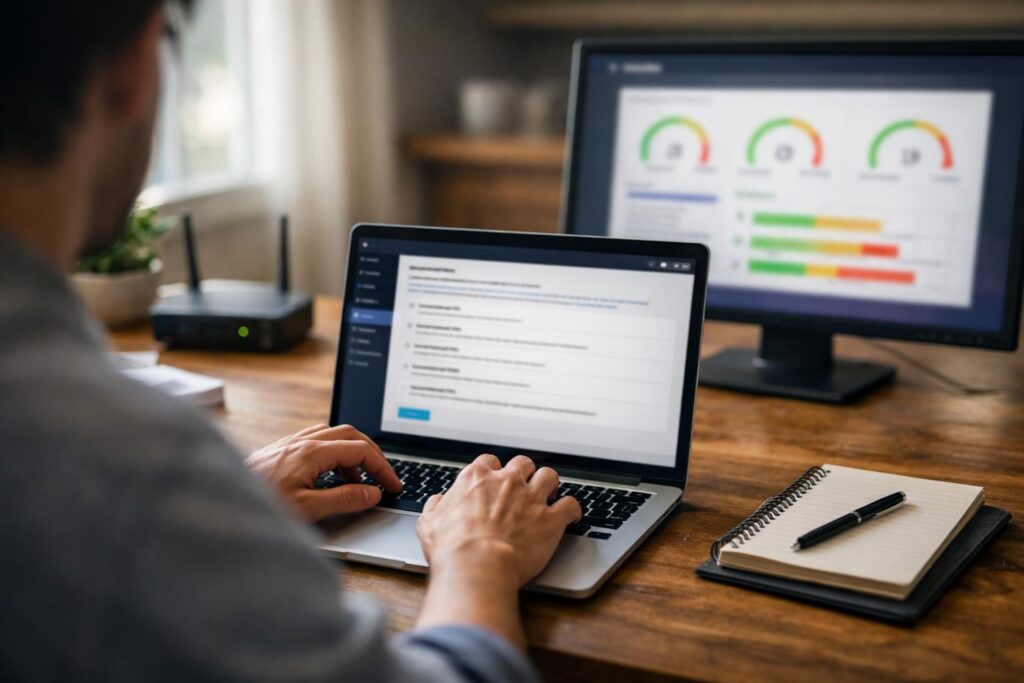
Picking a wordpress speed optimization plugin is easy. Picking one that improves real Core Web Vitals is harder. The problem is overlap. One plugin caches pages. Another delays JavaScript. A third compresses images. And if you stack them blindly, you’ll get conflicts. In this guide, you’ll learn what these plugins should actually do. You’ll see […]
How to Update Old Blog Posts for SEO (Step-by-Step Guide)
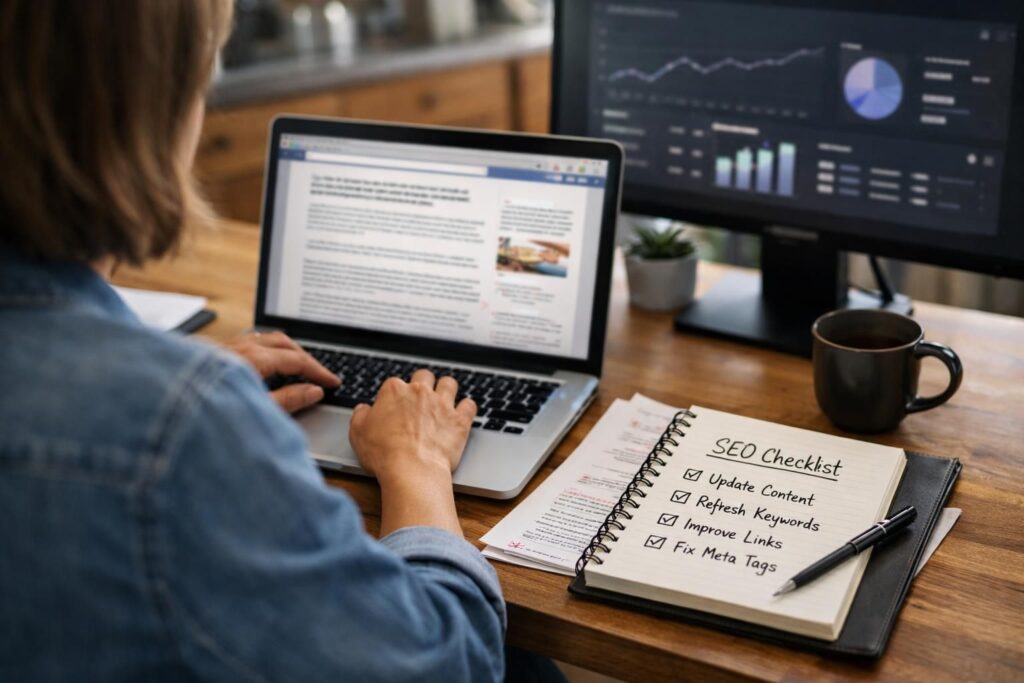
If you’ve got a blog older than a year, you’ve probably got pages quietly slipping. Rankings drift. CTR drops. Links break. And your examples start feeling dated. The good news is that learning how to update old blog posts for seo is usually faster than writing from scratch. It’s also less risky than chasing brand […]
On-Page SEO Checklist 2025: What to Check on Every WordPress Page
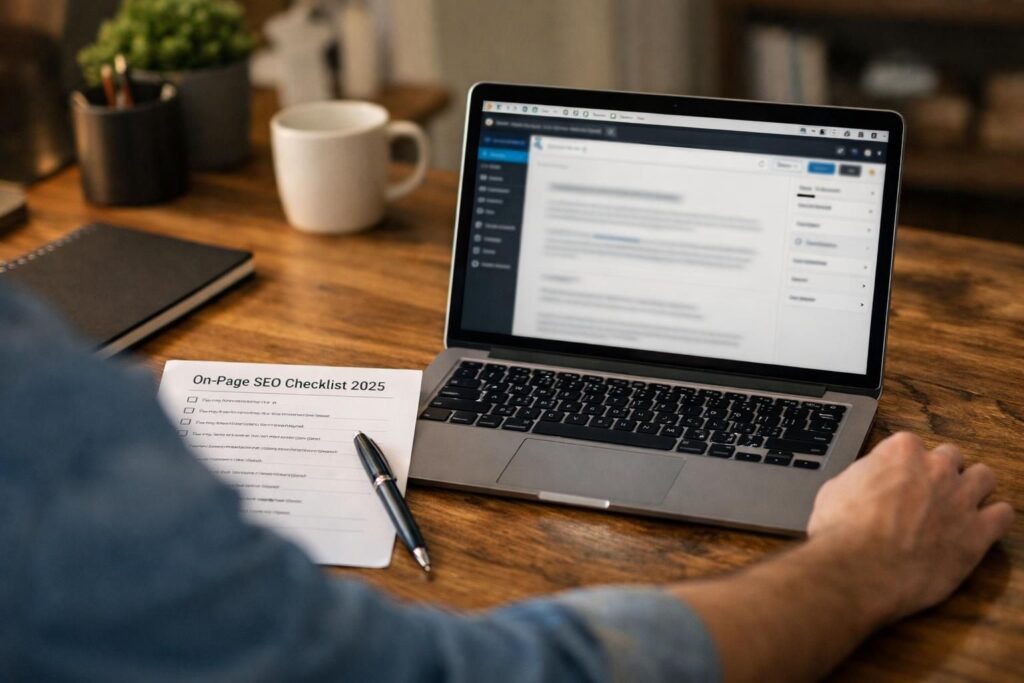
If you’re updating content this year, you need an on-page seo checklist 2025 that reflects how Google actually evaluates pages now. Rankings still hinge on relevance. But they also hinge on clarity, usability, and whether your page makes the searcher’s job easy. The good news is that on-page work is still the highest-leverage SEO you […]
WordPress SEO Internal Links: How to Build a Structure That Works
WordPress SEO internal links are one of the few on-page levers you fully control. And they affect almost everything that matters. They shape crawlability, indexing paths, and how link equity moves through your site. They also guide readers to the next helpful page. That lowers bounce and increases depth. So what does this mean in […]
Accessibility Image Alt Text Guidelines: Practical Rules for Real Sites
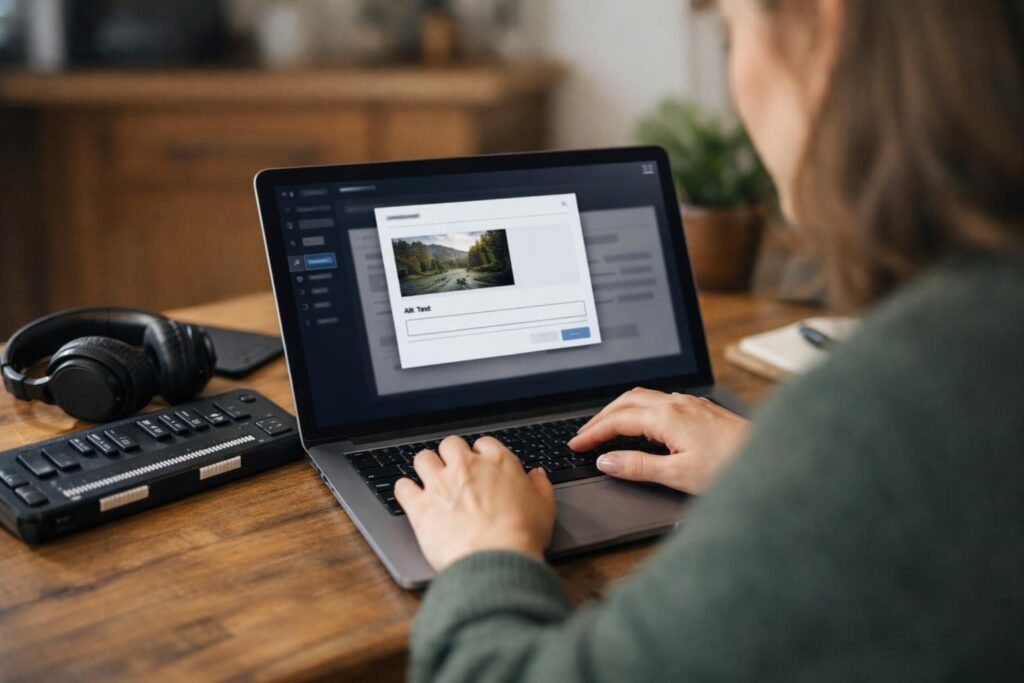
Alt text is one of the fastest ways to improve real-world accessibility because it gives non-visual users a meaningful alternative to images. These accessibility image alt text guidelines focus on practical decisions you make every day: when to write descriptions, when to leave alt empty, and how to handle logos, icons, photos, and charts without […]
Bulk Add Alt Text WordPress: Faster Ways to Update Lots of Images
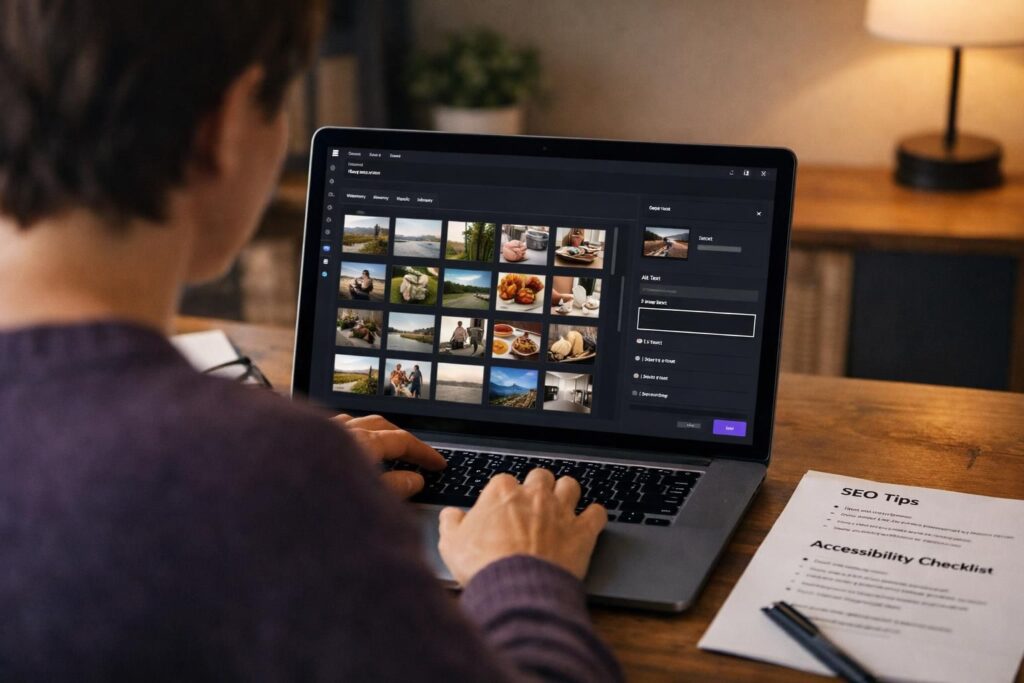
Bulk add alt text WordPress workflows help you fill or update the alt attribute on many images without opening each attachment one by one. Alt text matters for accessibility because screen readers rely on it, and it supports image SEO by clarifying what an image shows. In this guide, you will learn what “bulk” really […]
Best Practices for Media Library Image Folders on WordPress SEO: What Actually Matters

Organizing images in WordPress can feel like an SEO task, but most rankings wins come from keeping URLs stable and improving how images are created, described, and delivered. This guide breaks down what “media library folders” really are, how WordPress stores uploads in wp-content/uploads, and where folder changes can quietly create broken links or lost […]