



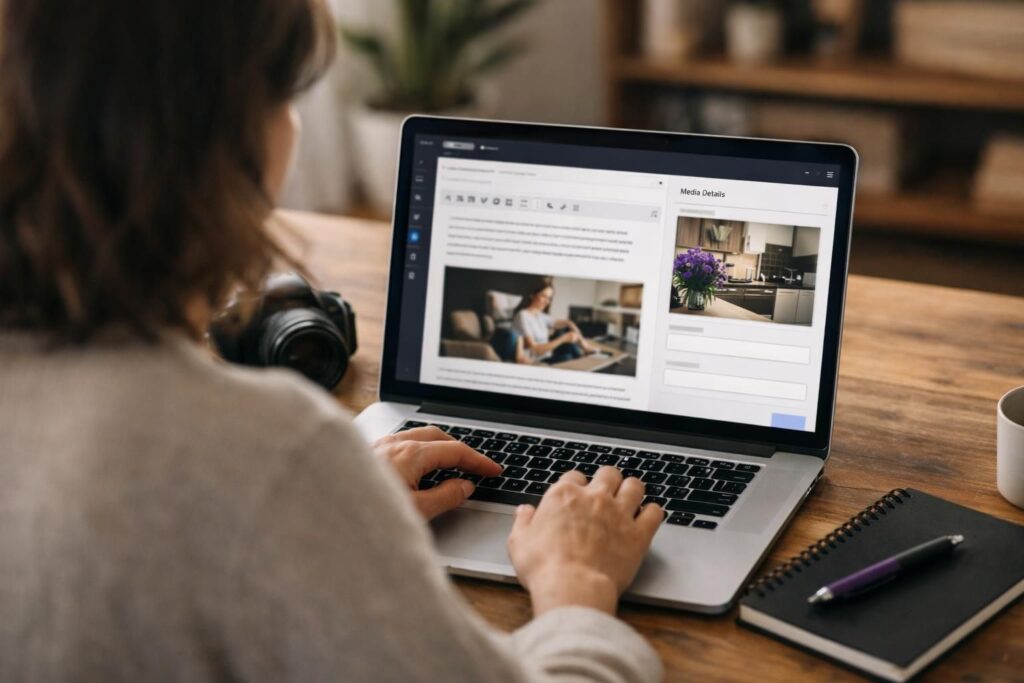
Choosing between image title vs alt text is simpler once you know what each attribute actually does for people and for search. Alt text (the alt attribute) is primarily an accessibility feature that also supports image SEO by describing what the image communicates. Image title text (the title attribute) is optional and typically shows as a tooltip on hover, but it is inconsistent across devices and often adds little value. In this guide, you’ll learn the difference between alt text vs title text, how they appear in HTML, when to use both, and when leaving one blank is the better choice. You’ll also get common mistakes and copy-ready examples for photos, icons, logos, and complex images like charts.
Best for: Content teams who want clearer accessibility and stronger image SEO without overfilling every media field.
Not ideal when: You rely on hover tooltips to convey essential instructions, since title attribute behavior is inconsistent on touch and keyboards.
Good first step if: You can audit missing alt text and rewrite it so each image has an accurate, purpose-based description.
Call a pro if: Images carry critical instructions or complex data and you need a reliable long description approach for compliance.
Quick Summary
- Alt text is read by a screen reader and appears when images fail to load; it should convey equivalent information.
- Title text is optional hover text; many users never see it, and it’s not a substitute for alt.
- For SEO, alt supports relevance in Google Images and image search results when it matches the page context.
- Use empty alt attributes for truly decorative images so assistive tech can skip them.
- Captions serve readers visually on the page; alt serves non-visual access and fallback scenarios.
Quick Definition: Alt Text vs Image Title
Alt text describes an image’s content or function for accessibility, while the image title attribute is optional hover context that many users never see. Alt text is the requirement for informational images because it provides an equivalent alternative when the image can’t be seen.
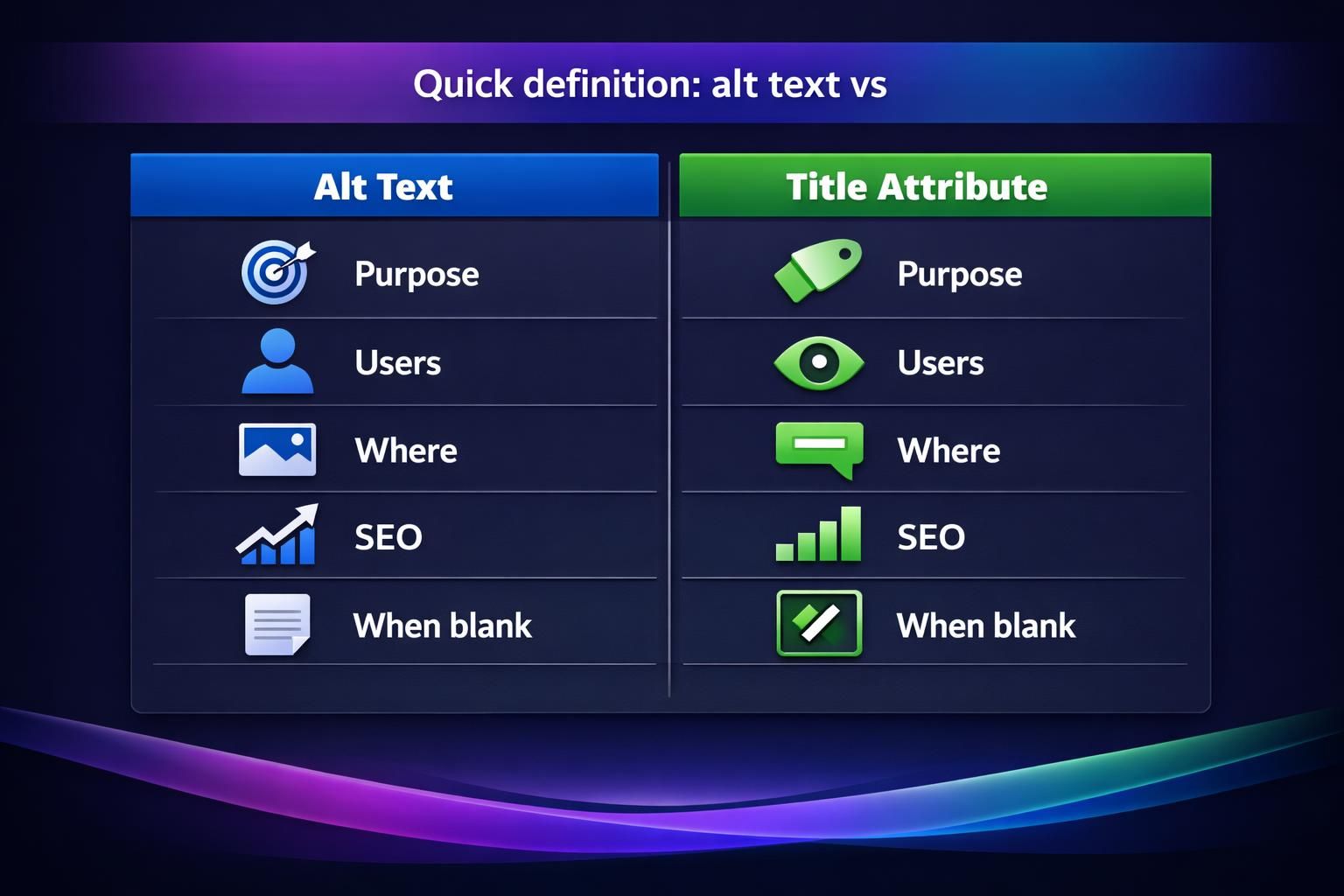
Alt text lives in the alt attribute on the HTML img tag. Screen readers can announce it, and browsers may show it if the image fails to load. It also provides a useful textual signal about what the image depicts in page context.
Title text lives in the title attribute and may appear as a tooltip. It’s inconsistently available to keyboard and touch users, so it should not carry essential information. Practical rule: alt is for equivalence; title is for small, non-essential hints.
How They Appear in HTML
They appear as separate attributes on the HTML img tag: alt="…" for the alternative text and title="…" for the tooltip label. You can also use the title attribute on a link that wraps an image, but that still doesn’t replace the alt attribute’s role for accessibility.
In a content management system (CMS) like WordPress, these fields often show up as separate WordPress media fields in the media library, along with a caption field. The label “Title” in WordPress can be confusing because it is not always the same as the HTML title attribute; always confirm which field maps to which output in your theme or block editor.
What Alt Text is for (Accessibility + SEO)
Alt text communicates the meaning or function of an image to people who can’t see it, and that clarity can also support SEO by aligning images with the page topic. For accessibility, screen readers rely on alt for informational, instructional, and functional images. If an image is a button, name the action; if it’s a product photo, identify what’s shown in context.
For SEO, alt helps search engines interpret the image and can improve understanding in image search. Don’t stuff keywords; write accurate, contextual descriptions. Bake alt text into your publishing checklist and broader content quality guides.
Best Practices for Writing Alt Text
Good alt text is specific, concise, and focused on the image’s purpose on that page. Describe what matters, not every visible detail, and write in natural language that matches the surrounding copy.
- If the image is informative, describe the key message (who or what, doing what, and any relevant identifiers).
- If the image is functional (button, linked image), describe the action or destination.
- If the image is decorative, use an empty alt attribute (alt="") so assistive tech can skip it.
- Avoid keyword stuffing; include a keyword only if it genuinely describes the image and fits the page context.
- Keep punctuation and formatting consistent, especially for repeated UI icons or step-by-step instructions.
What the Image Title Attribute is for (Tooltips + Context)
The image title attribute provides optional supplemental context, often shown as a tooltip on hover, but it should never be required to understand the content. It can add a brief hint, clarify an abbreviation, or include a short note that doesn’t belong in the caption.
Title text is not reliable for accessibility. Touch devices lack hover, and keyboard behavior varies by browser. Some screen readers may announce title depending on settings, but you shouldn’t depend on it for meaning. If you’re weighing seo image title vs alt text, treat title as an optional UX enhancement and prioritize clear captions and strong alt text.
When Title Text Helps (and When it Doesn’t)
Title text helps when it adds a small, non-essential clarification that isn’t already obvious from the alt text or caption. For example, a thumbnail gallery might use title to label a larger version or to explain that an image opens in a modal.
It doesn’t help when it repeats the alt text, crams in extra keywords, or tries to carry instructions like “Hover to see details.” If the information matters, put it in visible text, a caption, or a long description approach for complex images. Title also isn’t a dependable place for copyright attribution; attribution is usually better handled in a caption or nearby visible text so everyone can access it.
Key Differences (Side-by-side Checklist)
Alt text is the primary accessibility text alternative, while title text is optional hover context with inconsistent exposure across devices and assistive tech. Use this checklist to decide what belongs where and to avoid mixing up title vs alt text when you upload images.
| Option | Best for | Limits | Typical outcome |
|---|---|---|---|
| Alt text (alt attribute) | Non-visual access and image fallback; conveying meaning or function | Must be accurate and concise; decorative images should use empty alt | Screen readers get equivalent info; image still makes sense if it fails to load |
| Title text (title attribute) | Optional extra hint on hover for mouse users | Inconsistent on touch devices and assistive tech; shouldn’t contain essential instructions | Some users see a tooltip; many users never encounter it |
| Captions (caption component) | Visible context, explanation, credits for all readers | Adds on-page content; can be unnecessary if it repeats the obvious | Improves comprehension for everyone, especially skimmers |
Alt text (alt attribute)
- Purpose: equivalent information for non-visual access and image fallback
- Typical users: screen reader users, users with images disabled, search engines parsing context
- Content style: concise description of meaning or function
- Required? For informational and functional images, yes; for decorative images, use empty alt attribute
Title text (title attribute)
- Purpose: optional tooltip or extra hint
- Typical users: mostly mouse users who hover
- Content style: short clarification, not essential instructions
- Required? No, and often unnecessary
Captions (caption component)
- Purpose: visible explanation for all readers on the page
- Typical users: everyone, including skimmers
- Content style: can include context, credits, or interpretive notes
- Required? Only when it improves comprehension
If you’re standardizing publishing, document these rules in your team’s image upload tutorials so writers, designers, and developers apply them the same way.
When to Use Both (and When to Leave One Blank)
Use both alt and title only when title adds new, non-essential context beyond the alt. In most cases, write strong alt text and skip title to avoid repetitive, noisy tooltips.
Leave title blank when it merely restates alt or when you’re tempted to add SEO keywords. Title isn’t a substitute for on-page copy and isn’t a dependable accessibility channel. Leave alt empty (alt="") when an image is purely decorative, like a flourish or separator, so assistive tech can ignore it.
Team workflow: write a caption if it helps readers, write alt for meaning or function, then add title only if you can justify its extra value in a short phrase.
Decorative Images, Linked Images, Icons, Complex Images
Decorative images should use an empty alt attribute so they don’t clutter screen reader output, while linked images and icons need alt that describes the function or destination. For an icon that opens search, alt like “Search” is better than “magnifying glass icon,” because it matches the user’s task. For a logo that links to the homepage, alt like “Company name, home” can work, depending on what the link does and what text is already nearby.
Complex image handling is different: charts, graphs, and diagrams often need more than one short sentence. In that case, write concise alt text that identifies the chart and its topic, then provide the detailed data in nearby text, a table, or a long description method (for example, a linked explanation or expanded section) so the information is fully available.
Common Mistakes to Avoid
Don’t treat alt text as a keyword dump. Keyword stuffing reduces usefulness and creates repetitive signals. Avoid vague alt like “image” or “photo,” and avoid overly long alt that tries to narrate every detail.
Don’t use the title attribute as a crutch for missing alt, or hide essential instructions in a tooltip. If an image includes critical text, include that message in alt or in nearby body copy. Consistency matters: decide on conventions (case, punctuation, patterns for icons) and audit periodically for missing or low-quality entries. Keep a simple checklist in your central resources hub so teams follow the same standards.
Examples You Can Copy (Good vs Bad)
Strong alt text is specific and matches the image’s role on the page. Weak alt text is vague, stuffed with keywords, or focused on appearance instead of meaning.
Photograph (informational image)
- Good alt: “Barista pouring steamed milk into a latte in a ceramic cup”
- Bad alt: “coffee”
- Bad alt: “coffee latte best coffee shop espresso cappuccino”
Illustration (conceptual)
- Good alt: “Illustration of a funnel showing awareness, consideration, and decision stages”
- Bad alt: “marketing funnel diagram image”
Logo
- Good alt: “Acme Studio”
- Bad alt: “Acme Studio logo image”
Linked image (functional)
- Good alt: “Download the onboarding checklist (PDF)”
- Bad alt: “click here”
- Bad alt: “checklist image”
Icon button
- Good alt: “Search”
- Bad alt: “magnifying glass”
Complex image (chart or graph)
- Good alt: “Line graph showing monthly support tickets trend; details provided in the following table”
- Bad alt: “graph of data”
Captions can add interpretation or attribution; alt should provide an equivalent alternative.
Conclusion
Alt text is the essential field in the image title vs alt text debate because it delivers accessibility through the alt attribute and supports image SEO when it accurately reflects page context. The title attribute can be useful for occasional, non-essential tooltips, but it should not carry critical meaning or replace a caption. Your next step is straightforward: audit for missing alt text, rewrite entries that are vague or stuffed, and use empty alt attributes for decorative images so screen reader output stays clean and useful.