

301 vs 302 Redirect SEO: Which One Should You Use?
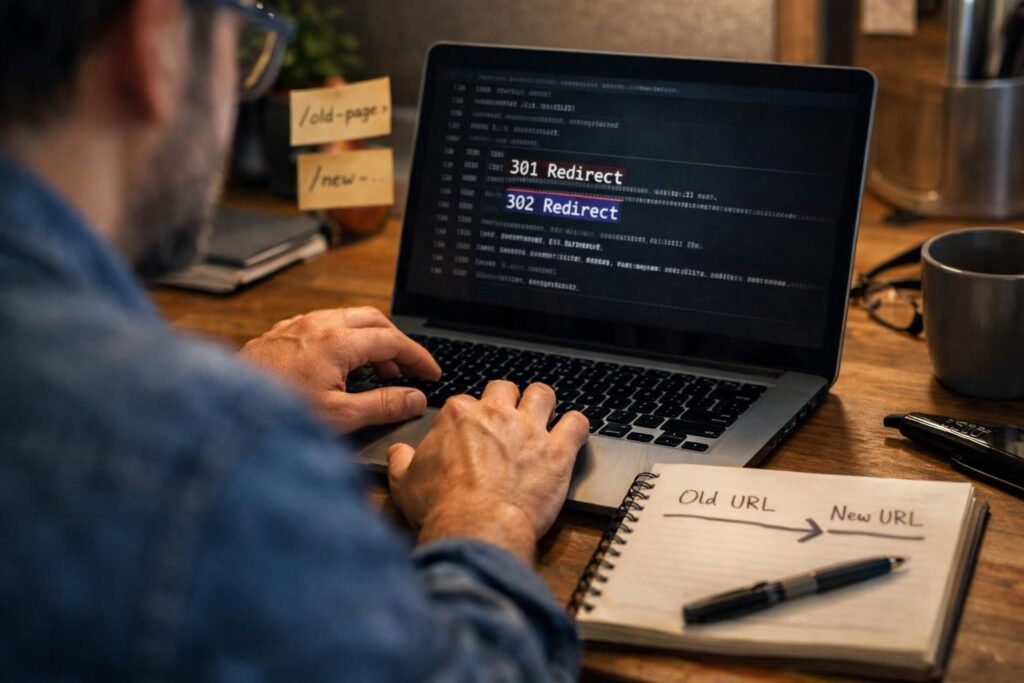
If you’re deciding between a 301 and 302, you’re really deciding how search engines should interpret your intent. The core question behind 301 vs 302 redirect seo is simple. Is this move permanent, or is it a temporary detour? Get that wrong, and you can slow indexing, confuse canonicalization, or leave ranking signals split longer […]
On-Page SEO vs Off-Page SEO: What’s the Difference and What Should You Focus On?

If you’ve ever asked what is on page seo and off page, you’re really asking a planning question. Where should you spend your limited time first? On-page SEO is everything you control on your site pages. Off-page SEO is the trust and signals you earn elsewhere. Both matter, but they solve different problems. On-page gets […]
How to Create a Sitemap on WordPress: Setup, Fixes, and Best Practices
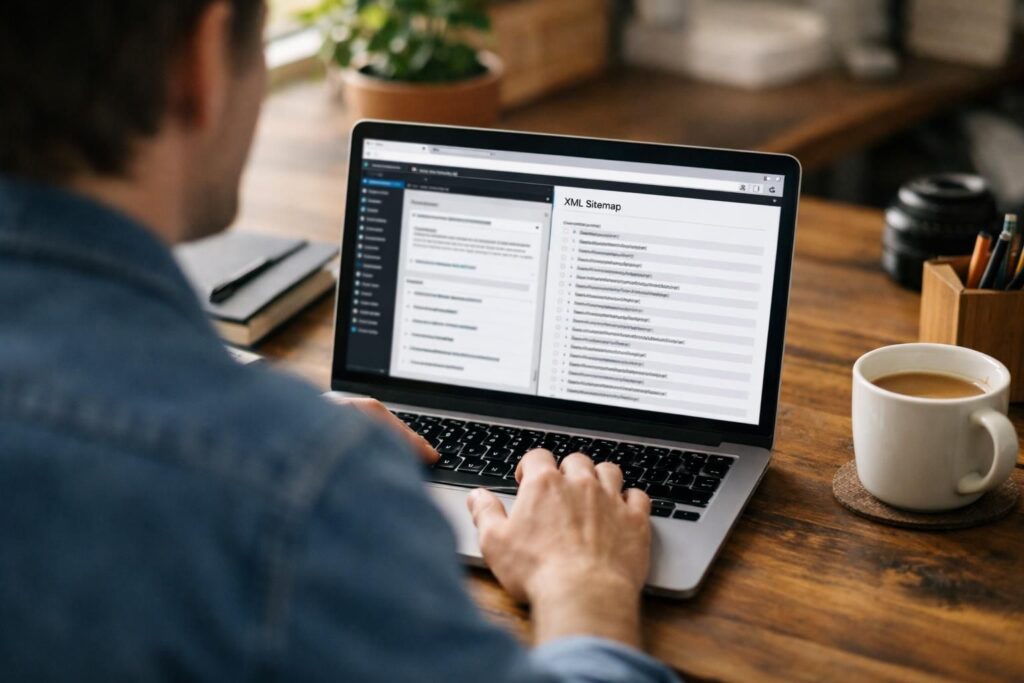
If you’re figuring out how to create a sitemap on WordPress, you’re already thinking like a technical SEO. A sitemap won’t fix thin content or poor internal links. But it does help search engines find your important URLs faster. It also gives you a clean place to spot indexing issues. In this guide, you’ll check […]
What Is a Slug in WordPress and How Does It Affect SEO?

A WordPress slug is the readable part of a URL that identifies a page, post, category, or tag. If you’ve ever asked what is a slug in wordpress, you’ve probably seen it in your browser bar. It usually comes right after your domain and helps both people and search engines understand the page topic. And […]
How to Add Meta Description in WordPress (The Right Way)

If you’re trying to figure out how to add meta description in WordPress, you’re really trying to control two things. You want the HTML meta tag in the head section. And you want a strong search snippet that matches search intent. WordPress doesn’t give you a clear meta description field by default. So you’ll usually […]
Google Crawled But Not Indexed: Why It Happens and How to Fix It

Seeing google crawled but not indexed in Google Search Console can feel confusing. Googlebot clearly found your page. It even crawled it. But the URL still isn’t in the index. So what’s going on? This post helps you separate “normal delay” from real problems. You’ll learn what the status means, how it differs from similar […]
WordPress Canonical URL: What It Is and How to Set It Up

A wordpress canonical url tells search engines which version of a page should be treated as the main one. It’s how you keep duplicate content from splitting relevance across multiple URLs. WordPress often creates duplicates without you noticing. Think parameters, archives, and multiple paths to the same content. In this guide, you’ll learn how WordPress […]
Types of Sitemap in SEO: XML vs HTML and Which One Your Site Needs

If you’ve ever wondered why some pages get found fast and others sit invisible, sitemaps are often part of it. This guide breaks down the types of sitemap in SEO, with a practical focus on how each one helps crawling, indexing, and site discovery. You’ll see the real difference between an XML sitemap and an […]
Technical SEO Audit Checklist: Everything You Need to Check

A technical SEO audit is basically your site’s health check for crawling, indexing, rendering, and performance. And it’s the fastest way to spot issues that quietly cap rankings. This technical seo audit checklist is built for real audits, not theory. You’ll learn what to pull first, what to check in Google Search Console, and how […]
On-Page SEO vs Technical SEO: What’s the Difference?

If you’re comparing on page seo vs technical seo, you’re really asking one question. Are rankings held back by the page itself, or by the site underneath it? On-page SEO covers what you control on the page. That includes content, keywords, headings, metadata, and internal links. Technical SEO covers how search engines crawl, render, and […]