




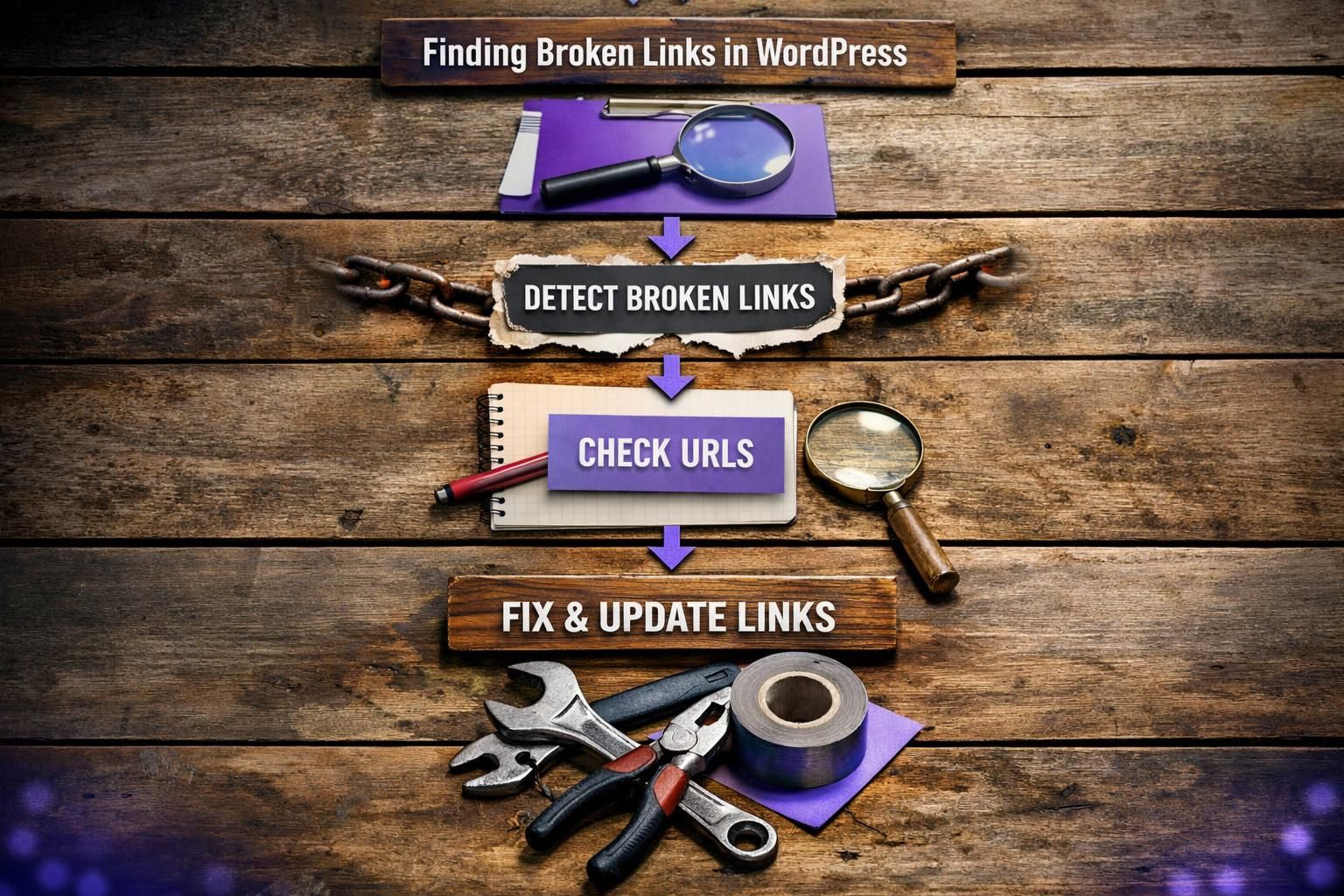
If you need to wordpress find broken links, you’ve got three solid routes. You can scan inside the WordPress dashboard with a plugin. You can crawl the whole site with an audit tool. Or you can pull confirmed errors from Google Search Console. Each method catches different issues. And each one fits a different site size and workflow. In this guide, you’ll learn how to spot broken internal links, external links, and even problem backlinks. You’ll also learn how to fix 404 errors in WordPress without creating redirect chains.
Best for: Site owners who want a repeatable process to catch dead internal links, 404 Not Found pages, and broken redirects.
Not ideal when: Your server is resource-limited and a heavy WordPress plugin scan could slow the admin area.
Good first step if: You suspect a recent migration, permalink change, or deleted content caused a spike in WordPress 404 error reports.
Call a pro if: You see redirect loops, complex rewrite rules, or widespread 404s after a domain change.
Quick Summary
- Broken links usually show up as a 404 Not Found or a bad redirect response.
- Plugin scans are fast for in-dashboard fixes, but can add performance impact.
- A crawl-based site audit finds issues at scale, including redirect chains.
- Search Console highlights URLs Googlebot actually hit and failed to fetch.
- The safest fixes depend on intent: update the URL, redirect, or remove.
What Broken Links Are (and Why They Matter)
Broken links are URLs that return errors or lead to the wrong place, most often 404 Not Found, but also loops, bad redirects, and timeouts. They frustrate users, waste crawl budget, and weaken internal linking signals. Example: delete “/pricing-2023/” and leave internal links pointing there; both visitors and bots hit dead ends from otherwise valuable pages.
Quick Check: Find Broken Links Inside WordPress With a Plugin
A plugin is the fastest way to scan WordPress from the dashboard. It typically checks posts, pages, and sometimes custom fields, then reports broken internal and external URLs, often with in-report editing. Example: after changing permalinks, the scan flags old “?p=123” links in older posts. Reduce noise by scanning posts and pages first, excluding staging URLs, and disabling constant scanning on resource-limited hosting.
Recommended Plugin Options (and When to Use Each)
Broken Link Checker is a solid choice for small sites and quick, in-dashboard fixes, but it can strain shared hosting. On busy WooCommerce sites, schedule scans during off-peak hours. For a broader workflow, pair plugin checks with internal link health scans.
Full-site Crawl Method (Best for Larger Sites)
For large sites, a crawl-based audit is the most reliable broken link checker. Tools like Semrush Site Audit, Ahrefs Site Audit, and Sitechecker follow internal links, capture status codes, and reveal redirect chains and broken canonicals. Example: after a category restructure, a crawl can show hundreds of links to old URLs and chains like /old/ to /new/ to /newer/. Crawls also scale well for agencies, with consistent settings and scoped exclusions.
Exporting Reports and Prioritizing Fixes
Exports make audits actionable. Use CSV reports that include source page, target URL, and status code. Filter to 404s, then prioritize pages with the most internal link hits. Tag issues by type: internal, external, or broken redirects. Maintain a short ignore list for confirmed false positives.
Free Method: Find Broken Links With Google Search Console
Google Search Console is the best free way to see broken links Google actually hit. Use Indexing reports to spot “Not found (404)” URLs and other fetch issues. It won’t catch every broken external link, but it reliably surfaces internal URLs bots tried to access and helps validate noisy plugin scans. Example: after moving HTTP to HTTPS, you may see old HTTP paths flagged as 404, proving templates still expose them. Setup help: connect Search Console properly.
How to Fix Broken Links Safely in WordPress
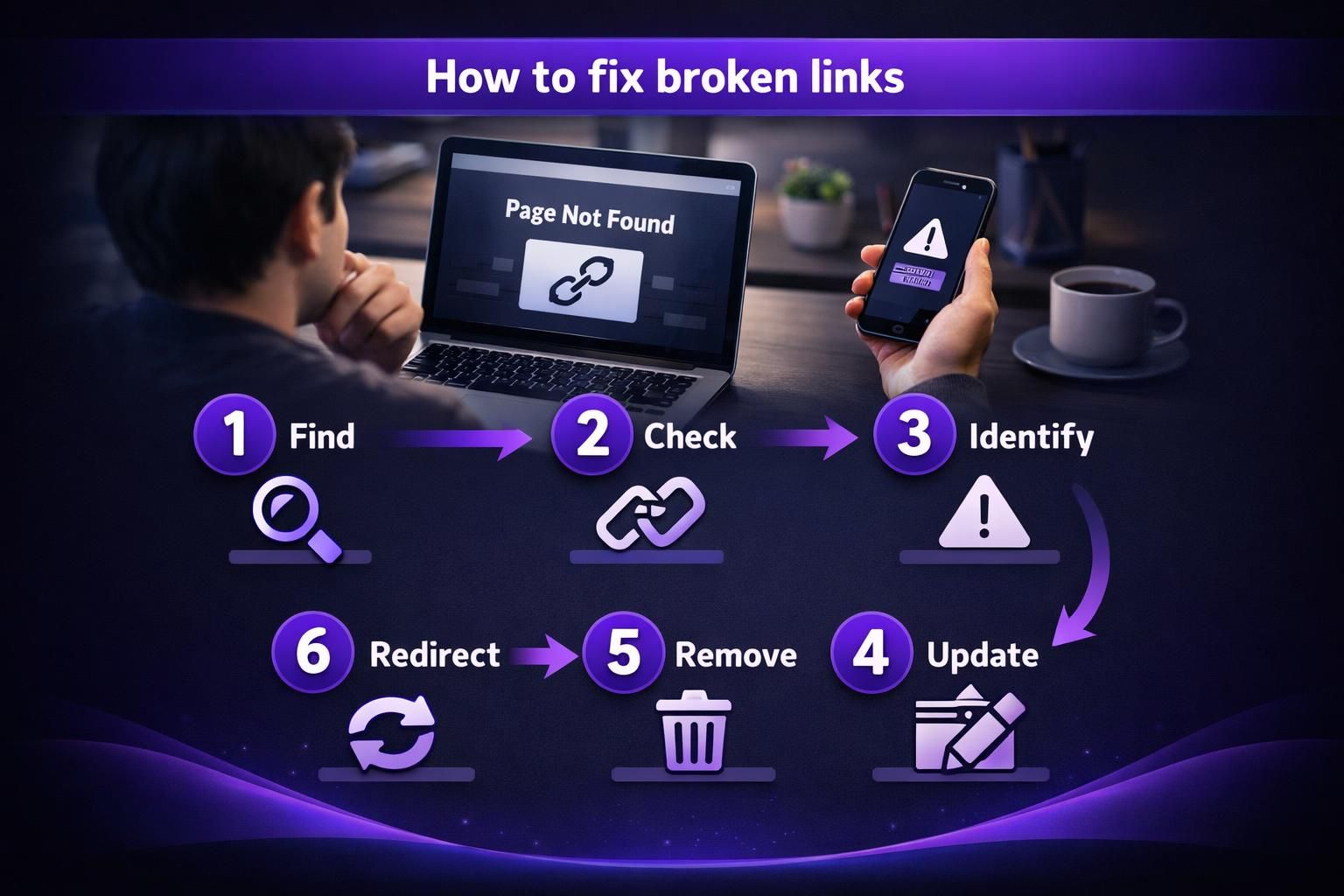
Fix broken links by matching the fix to intent: update the URL, redirect, or remove the link. Test changes and watch for redirect loops or chains. Example: if /getting-started/ became /start-here/, update the internal link rather than relying on redirects. If the old URL has backlinks, add a 301. Before editing, confirm the destination exists, loads correctly, and isn’t trailing-slash or chain sensitive.
Update, Redirect, or Remove (Which to Choose)
Update links when the destination exists under a new permalink. Use a 301 for permanent moves and a 302 only for temporary changes. Remove links that no longer help users, or replace dead external resources with current sources. If you see redirect chains, update internal links to the final URL.
Prevent Broken Links Going Forward
Monitoring Schedule + Workflow Checklist
Consistency beats panic fixes. Run a weekly light scan for new 404s and a monthly full-site crawl. After major launches, crawl the affected section first. Workflow: triage by status and page importance, fix internal links before adding redirects, exclude known blocked areas, and log changes for quick rollback.
Troubleshooting Common False Positives and “Blocked” Links
Many “broken” results are false positives or access issues. Crawlers may be blocked by robots.txt, firewalls, basic auth, or pages requiring cookies or login, and rate limits can cause timeouts. Example: a members-only page returns 403 to a crawler but works for users. Sanity-check by opening the URL in incognito, comparing tools, confirming the source page is current, and checking HTTP vs HTTPS. Also watch for soft 404s: a 200 page that shows “not found.” behavior.
Conclusion
Finding and fixing broken links is easiest when you combine a plugin scan, a crawl, and Search Console validation. Start with the pages that drive traffic and internal links. Then clean up redirect chains and update links to final destinations. Keep a light monitoring cadence so issues don’t pile up. If you want to wordpress find broken links reliably, treat it like routine site maintenance, not a one-time cleanup.