




If you’re wondering how to add faq schema in wordpress, you’re really choosing how WordPress should output FAQPage structured data. That structured data can help search engines understand your questions and answers. And sometimes it can change how your page appears in the SERP. In this guide, you’ll pick the right method, avoid invalid markup, and test your setup. You’ll also see where plugins help and where manual JSON-LD still makes sense. So what does this mean in practice? You’ll end up with visible FAQs on the page and valid schema markup under the hood.
Best for: Sites that already publish clear FAQs and want structured data without touching theme files or custom code.
Not ideal when: Your answers must stay hidden, change per user, or live inside tabs that aren’t rendered in HTML.
Good first step if: You already use Yoast, Rank Math, or SEOPress and can add an FAQ block in the editor.
Call a pro if: You suspect duplicate schema, complex templates, multilingual edge cases, or plugin conflicts you can’t isolate.
Quick Summary
- FAQ schema is FAQPage structured data that helps search engines parse Q&As.
- The safest approach is using an SEO plugin’s FAQ block output.
- Your questions and answers must be visible to users, not just in JSON-LD.
- Testing matters because invalid properties break rich results eligibility.
- Conflicts happen when multiple plugins emit overlapping structured data.
What FAQ Schema is (and When It’s Worth Using)
FAQ schema is FAQPage structured data that describes a list of questions and answers on one page. It’s a type of structured data that can make your content eligible for rich results. It can also influence rich snippets and visibility around People Also Ask. For example, a service page with “Do you offer weekend appointments?” can be understood as a direct Q&A pair.
Use it when the FAQs genuinely help users decide or troubleshoot. Skip it when you’re stuffing repetitive keywords. And don’t add it to pages where the Q&As aren’t the main content.
FAQ Schema Vs. an FAQ Section on the Page
FAQ schema is the machine-readable layer, while an FAQ section is the visible content. You often need both. For instance, an accordion can be visible, while schema markup makes the Q&As explicit to crawlers.
Before You Start: Key Requirements to Avoid Invalid Markup
Valid markup starts with matching content and code, so your structured data must reflect what users can actually read. Use plain questions and direct answers. Avoid adding extra fields your plugin doesn’t support. For example, don’t mark up “shipping times” if the page only hints at them in a tooltip.
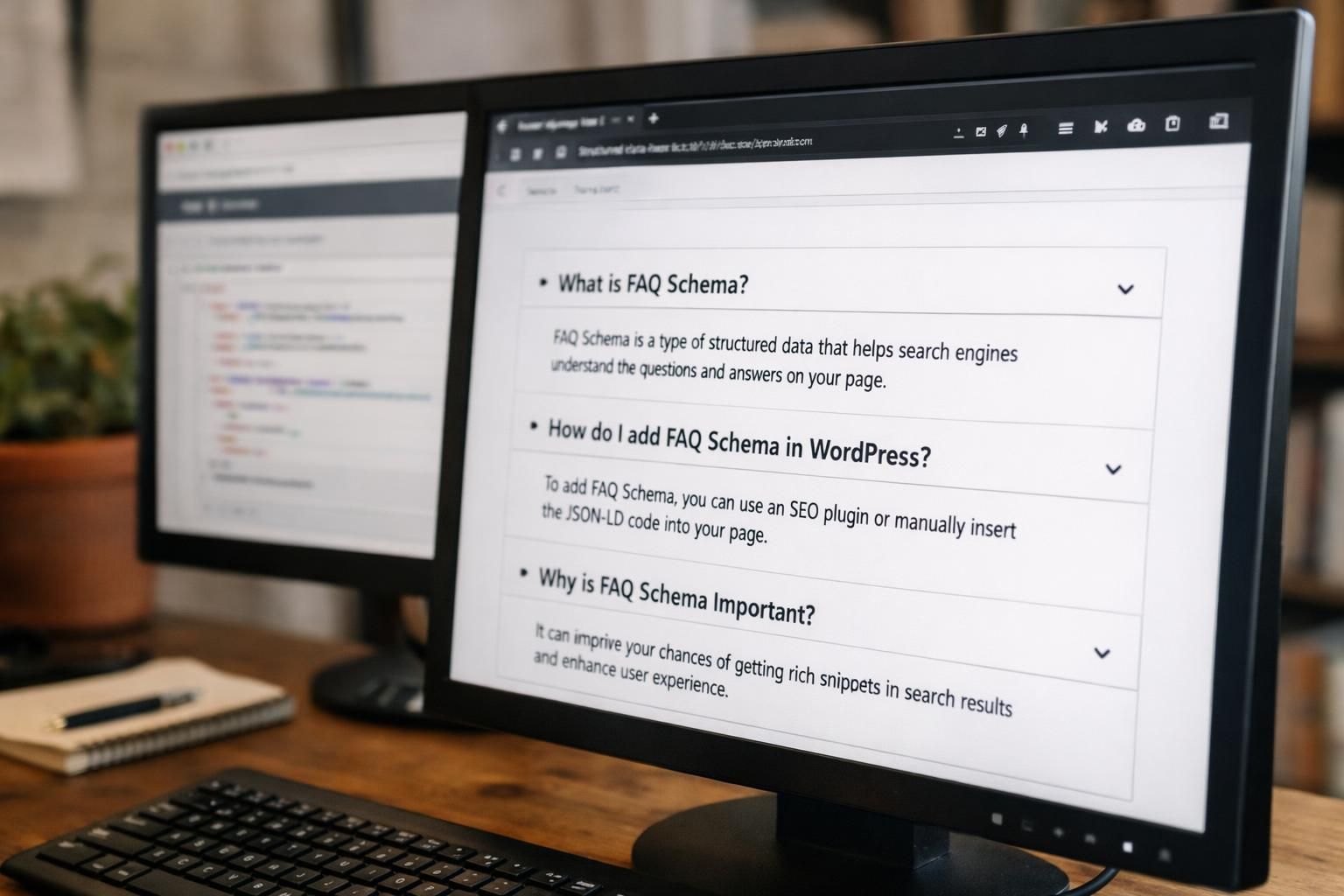
Also decide where the FAQs live. A WordPress page FAQ section is easier to maintain than scattered snippets. If you’re mapping on-page SEO workflows, generate FAQs in-editor can speed up drafts.
Make Sure Questions and Answers Are Visible on the Page
Google expects the Q&As to be visible in the rendered page content. Hidden content can trigger warnings or nullify eligibility. For example, an FAQ inside a slider layout that never loads on mobile can fail validation.
Method 1 (Recommended): Add FAQ Schema With an SEO Plugin Block (Yoast / Rank Math / SEOPress)
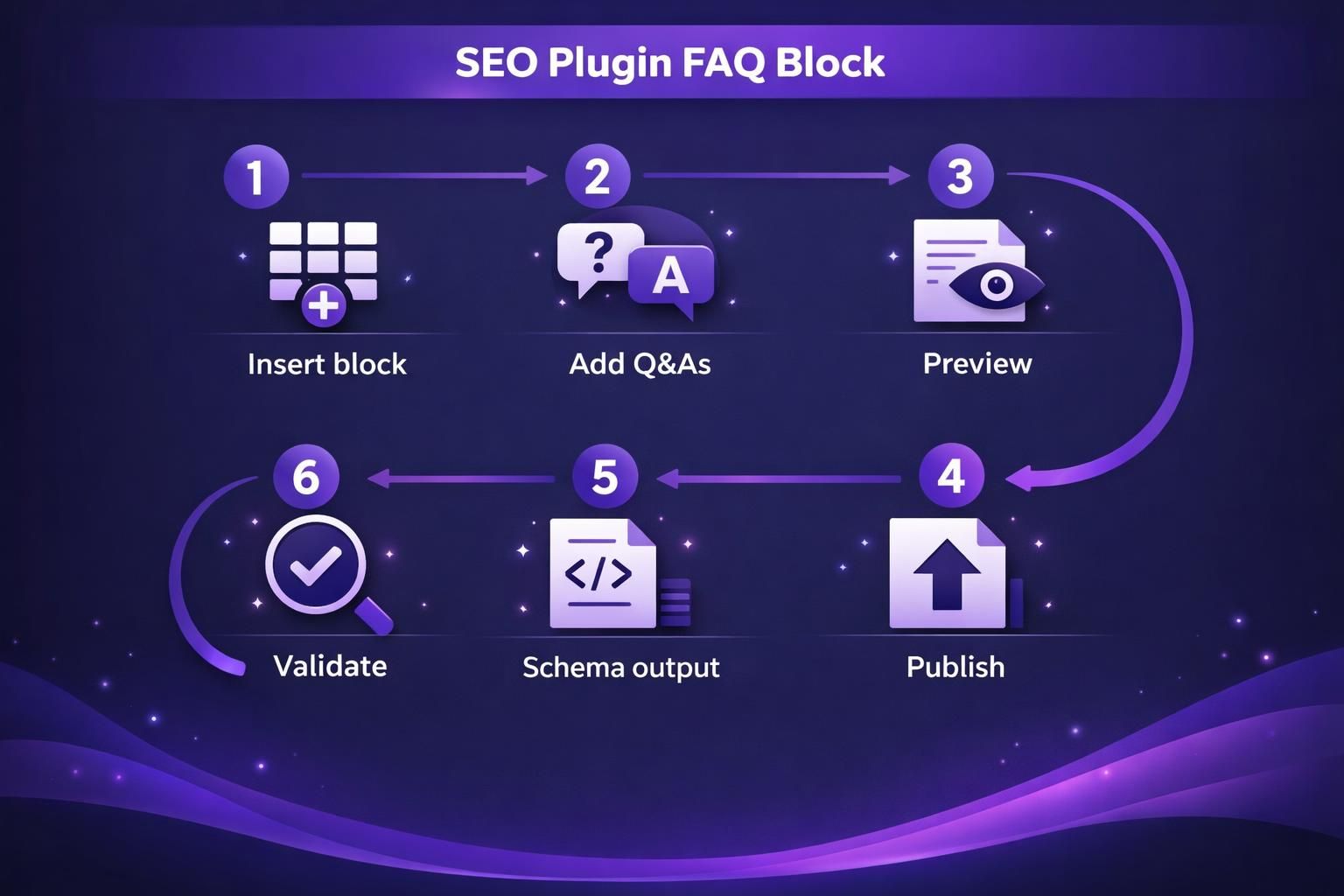
An SEO plugin FAQ block is the simplest way to create faq schema wordpress output without hand-coding JSON-LD. These blocks usually generate both the visible FAQ content and the matching structured data. For example, Yoast SEO content blocks let you add questions and answers, then emit FAQPage schema markup automatically.
| Option | Setup effort | Best for | Main risk |
|---|---|---|---|
| SEO plugin block | Low | Posts and pages in Gutenberg | Styling clashes with theme |
| Dedicated FAQ plugin | Medium | Reusable FAQs and layouts | Extra scripts and conflicts |
| Manual JSON-LD | High | Custom templates | Typos and maintenance debt |
If you’re already managing sitewide schema settings, configure schema settings helps you avoid overlapping defaults.
How to Add FAQs in the WordPress Block Editor (Gutenberg)
Add the plugin’s FAQ block, then enter each Q&A pair as separate items. Keep answers short and complete. For example, on a WooCommerce category page, add “Can I return sale items?” with your actual policy text.
Method 2: Add FAQ Schema With a Dedicated FAQ/schema Plugin (Shortcodes or FAQ Blocks)
A dedicated faq schema plugin wordpress setup is best when you need reusable FAQs, custom display formats, or an accordion plugin tied to theme styles. Many tools offer an FAQ block, an accordion, and optional wordpress faq structured data output. For example, a clinic site might reuse the same “Insurance accepted” FAQ across ten location pages.
Watch performance and compatibility. Some plugins load extra CSS and JavaScript sitewide. If you use Elementor templates, confirm the plugin’s block renders correctly there. Also check multilingual support if you translate Q&As.
When to Choose Shortcodes Vs. Blocks
Shortcodes are better for reuse and template areas. Blocks are better for per-page editing in Gutenberg. For example, a shortcode can inject the same FAQ set into multiple WordPress posts, while a block fits one-off answers.
Method 3: Add FAQ Schema Manually (JSON-LD) in WordPress
Manual JSON-LD is the most precise way to add faq to wordpress seo when plugins don’t fit your layout. You’ll create a script tag with FAQPage structured data and paste it into a safe location. For example, a custom landing page built outside Gutenberg may need hand-written JSON-LD because blocks aren’t available.
Keep the JSON-LD tightly aligned with the visible Q&As. Don’t mark up content that changes per user session. And treat this as code you must maintain when answers change. If you want a guided workflow, generate schema markup can produce a starting draft you still review.
Where to Safely Place JSON-LD (Theme, Child Theme, or Snippets Plugin)
A snippets plugin is usually safest because theme updates won’t wipe changes. A child theme works if you already manage template overrides. For instance, adding JSON-LD in header.php can work, but it’s easy to lose during a theme switch.
How to Test and Validate Your FAQ Schema
Testing is how you confirm your FAQ schema is eligible and error-free. Use a schema testing tool after publishing and after any plugin change. For example, if you edit an answer inside an accordion, re-test to confirm the JSON-LD updated too.
Check for errors, warnings, and whether the tool detects FAQPage at all. Then view the page source to see what the generated structured data looks like. If you run audits across many pages, use bulk tools can help you track fixes consistently.
Rich Results Test Vs. Schema Markup Validator
Rich Results Test focuses on rich results eligibility for Google features. Schema Markup Validator focuses on general schema validity. For instance, you might pass validation but still not be eligible for rich snippets due to content policies.
Troubleshooting Common FAQ Schema Issues
Most issues come from duplicates, hidden content, or mismatched Q&As between the page and the JSON-LD. Start by confirming only one plugin outputs FAQPage on that URL. For example, if Yoast adds FAQ schema and an accordion plugin also emits it, you can end up with duplicate schema.
Next, check rendering. If your FAQs load only after a click, some tools may not see them. And keep an eye on template-level schema. Some themes add generic structured data that overlaps your plugin output. If you’re cleaning up internal SEO hygiene, scan internal link health can reveal templated pages where issues repeat.
Duplicate Schema, Hidden Content, and Plugin Conflicts
Disable schema markup in one source, not both. Then retest and confirm only one FAQPage entity remains. For instance, keep the SEO plugin schema and disable the FAQ plugin’s schema output if you only want its styling.
Conclusion
To keep things clean, use visible FAQs and let one system output the schema markup. That’s why most sites start with an SEO plugin block, then move to a dedicated plugin or JSON-LD only when needed. Test after every change, and fix duplicates fast. Once you’ve done that, how to add faq schema in wordpress becomes a repeatable process, not a one-time hack.