




Internal vs external links seo sounds like a simple comparison. But the real value is knowing what each link type actually does to rankings, crawling, and user flow. Internal links shape how your own pages share authority and get discovered. External links, both outbound and inbound, shape trust signals and topical relationships. And yes, you can hurt yourself with both if you do them carelessly. In this post, you’ll get clear definitions, a practical difference list, and actionable linking habits you can apply on real pages. So what does this mean in practice? You’ll be able to spot gaps in your site structure and fix them fast.
Best for: Site owners improving crawl paths, indexation, and topical clustering while keeping readers moving to the right next page.
Not ideal when: You’re adding links to every sentence or using irrelevant sources that distract from the page’s main intent.
Good first step if: You can map your key pages, identify orphan content, and add 3 to 8 relevant internal links per page.
Call a pro if: Your traffic drops after a redesign, you have mass broken links, or crawling and indexing look inconsistent.
Quick Summary
- Internal links connect pages on your site and guide crawlers through your structure.
- External links involve other domains, including both outbound citations and inbound backlinks.
- The difference between internal and external links seo comes down to control, intent, and risk.
- Internal linking supports topic clusters, anchor relevance, and discovery of deeper pages.
- External linking helps with credibility, context, and relationships, but needs quality control.
What Are Internal Links
Internal links point from one page on your site to another page on your site. They connect your information architecture and signal which pages matter most and how topics relate.
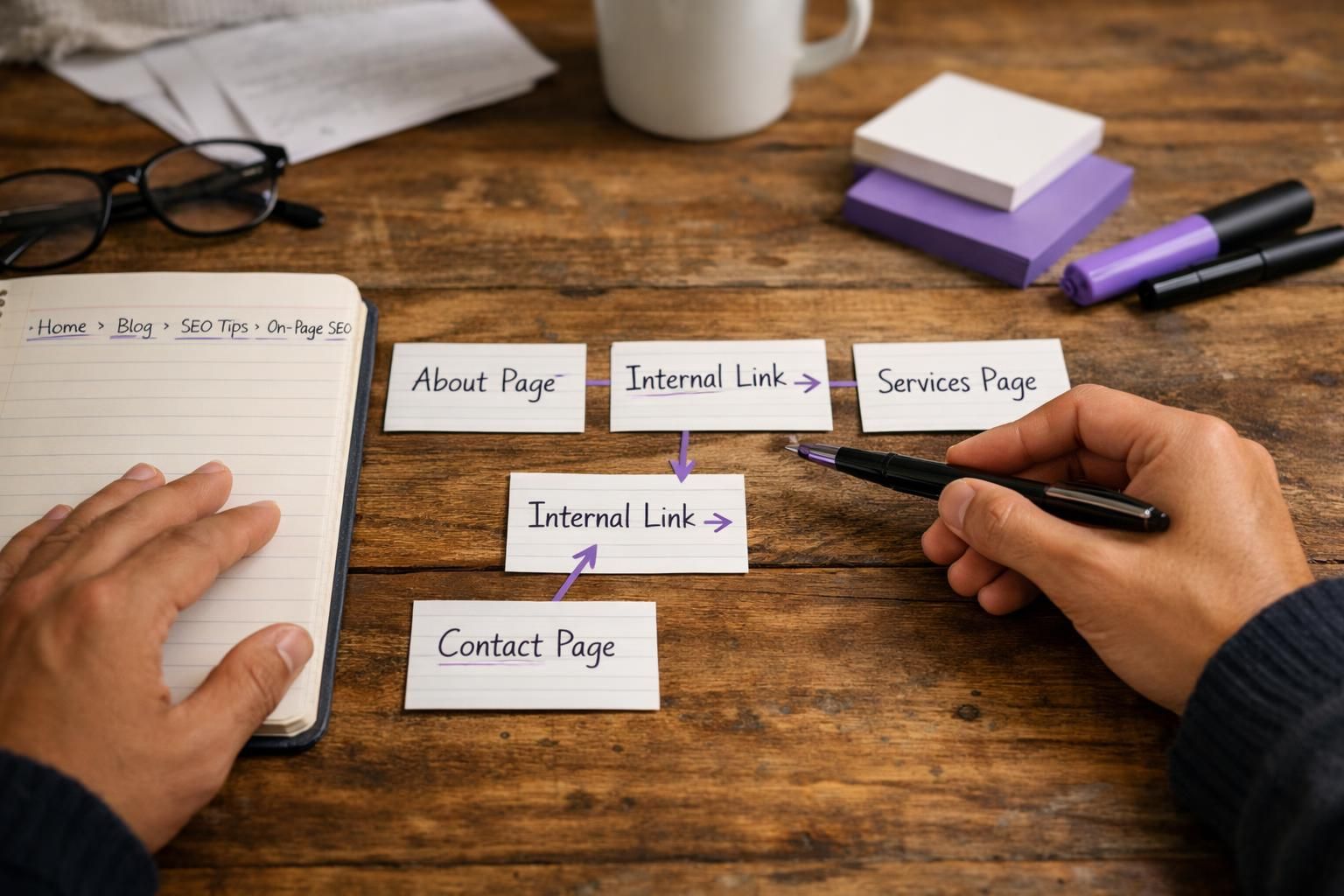
You’ll find them in menus, breadcrumbs, category and tag pages, footers, and within body copy. Contextual, in-content links usually carry the most SEO and usability value because they sit next to relevant text and use meaningful anchors.
Example: in a content pruning guide, you might link to a site audit post and a redirect basics page so readers can follow the workflow in order. Internal links also reduce pogo-sticking by giving readers the next answer, which can improve engagement indirectly and cut support load in documentation.
Common types:
- Navigational links
- Contextual links
- Related content modules
- Taxonomy links
- Utility links
If a post ranks but readers never reach a service page, add one contextual link where the next question naturally appears.
What Are External Links
External links connect your site with other domains. They include outbound links you add to reference sources and inbound links other sites add to reference you. In SEO, people often mean backlinks, but outbound links matter too.
Outbound links add verification and context when they support a specific claim. For example, a WordPress security article can link to official documentation near the exact setting being discussed. Keep outbound links relevant and intentional so the page doesn’t become a list of exits.
Inbound links are harder to control, but they influence perceived authority and topical fit. A relevant resource page linking to your SEO audit checklist is a strong endorsement. A random coupon or scraper site is usually noise and sometimes a risk.
External links also create maintenance work: targets change, break, or redirect. Periodically review older content to keep references accurate.
Internal vs External Links: Key Differences
The core difference between internal vs external links is who owns the destination and what signal the link is meant to send. Internal links build structure and distribute authority within your site. External links connect your site to the wider web, for credibility and reputation signals.
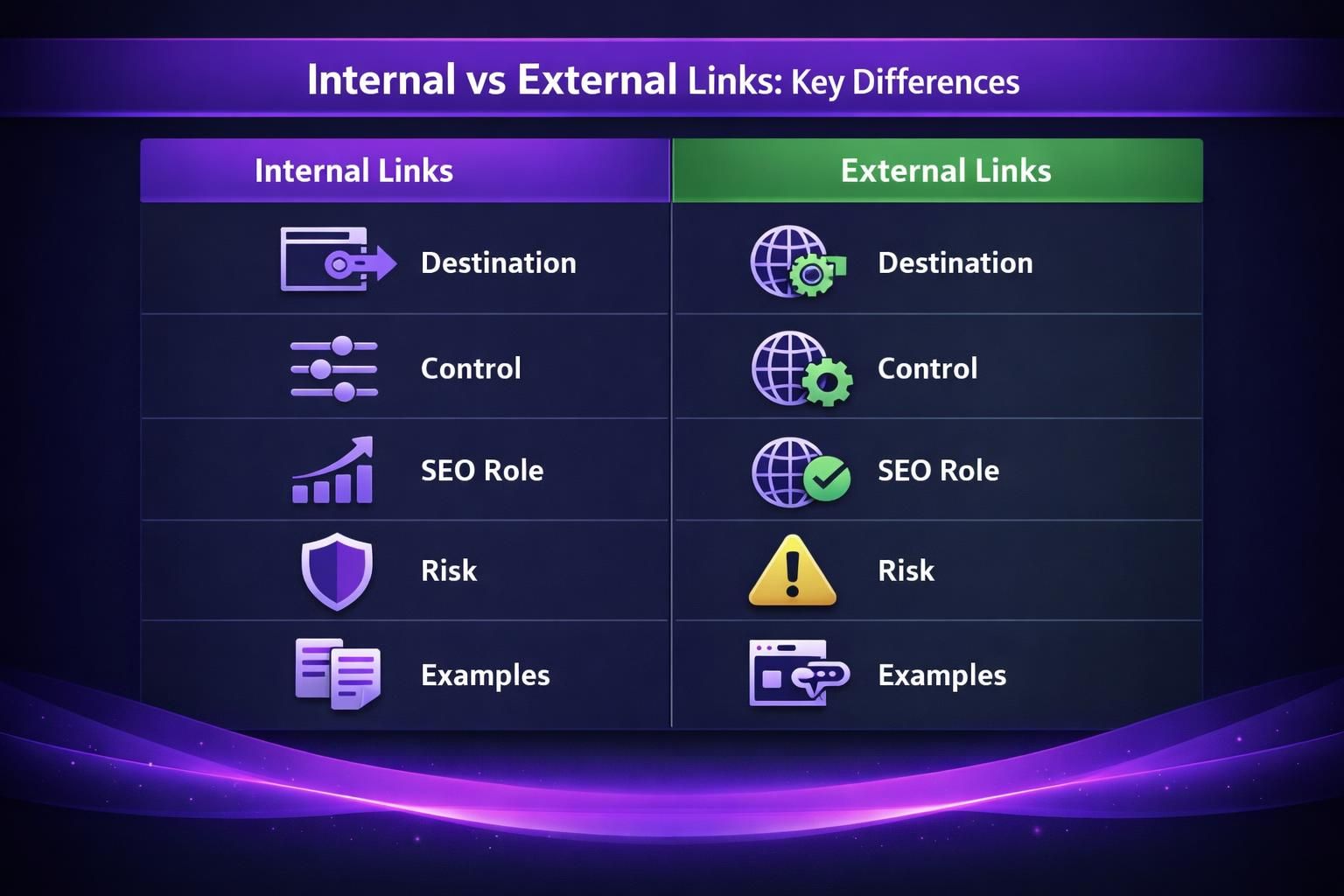
Here’s a quick comparison you can use when deciding what to add on a page.
| Link type | You control it? | Primary SEO role | Common pitfalls | What “good” looks like |
|---|---|---|---|---|
| Internal link | Yes | Crawl paths, topical clustering | Orphan pages, generic anchors | Relevant anchors to important pages |
| External outbound link | Yes | Credibility, context | Low-quality sources, too many | Cites authoritative, relevant sources |
| External inbound link | No | Authority and trust signals | Spam, irrelevant domains | Topical mentions from real sites |
Internal links are usually safer because you control them. But they can still cause problems. Bad internal linking creates crawl traps, bloated navigation, and diluted page focus. External links can boost trust, but they can also leak attention if you overdo them.
For example, on a “pricing” page, internal links should guide readers to features and FAQs. External links should be rare. They can pull visitors away right before conversion. On a research-style blog post, outbound links are more appropriate.
So what does this mean in practice? You should link internally to shape the journey. And you should link externally to support claims. Don’t swap those roles.
If you want a deeper internal focus, you’ll also find useful tactics in WordPress internal linking guide.
How Internal Links Help SEO
Internal links help SEO by improving crawlability, clarifying topical relationships, and distributing ranking value across your pages. They also reduce orphan pages, which are URLs with no meaningful links pointing to them beyond a sitemap.
Search engines discover and prioritize content by following links. If an important page isn’t linked from relevant pages, it may be found late or treated as low priority. Internal links create multiple pathways so key pages are consistently reachable.
They also add context. If you publish a new on-page SEO checklist and link to it from posts about titles, headings, and content briefs, crawlers can connect the topics and users can follow a logical path.
Done intentionally, internal links form topic clusters: a pillar page supported by subtopic pages, with links up, down, and sideways where intent overlaps. Use descriptive anchors instead of “click here.” For example, link with “on-page QA workflow,” not “this guide.”
You can influence indexation and visibility by linking more often to pages you want to emphasize, but it should feel natural. For a framework, see on-page vs technical SEO.
How External Links Affect Your Site
External links shape perceived credibility, topical associations, and off-site authority signals. Outbound links can increase trust by supporting claims. Inbound links (backlinks) can strengthen ranking potential. Both depend on relevance and quality.
Outbound links should serve the reader. Link to primary sources like official documentation, standards, or original research when it helps someone verify a setting or understand a concept. Avoid linking out just to appear “well sourced,” or to multiple competing posts that add no new value. Your page should remain the main resource.
Inbound links matter because they are independent endorsements. A single mention from a relevant site, community, or newsletter can outweigh many low-quality directory links. Irrelevant links usually do little and can create risk.
External links also require maintenance. Outbound URLs break, and inbound links may point to old slugs after migrations. Use redirects and monitor issues. If you need a starting point, use find broken links in WordPress.
Finally, your sources affect brand perception. Citing poor sources makes you look unreliable.
How Many Internal Links Per Page
The right number of internal links per page is the number the page needs, as long as each link has a clear purpose. For many blog posts, 3 to 8 contextual internal links is a useful baseline, but length, format, and intent matter more than a quota.
Short announcements usually need few links. Long tutorials may need more so readers can jump to prerequisites, tools, or next steps. The limiting factor is readability. If links interrupt the flow or feel like a sales trap, you added too many.
Use cues instead of fixed counts:
- Add a “next step” link when a section naturally prompts one
- Make important pages earn multiple links from relevant posts
- Link new pages from older, already-indexed content
- Ask, “Would I actually click this here?”
Beware sitewide blocks that inflate counts: footer menus, tag clouds, and “recent posts” widgets. They can dilute focus and waste crawl attention on thin pages, especially low-value tag archives.
To systematize audits, start with scan internal link health.
Best Practices for Linking in WordPress
Best practice in WordPress is consistent, contextual internal linking during drafting, plus routine cleanup. WordPress makes linking easy, but that also makes it easy to accumulate clutter.
Build an editorial habit: link from high-traffic pages to high-value pages, place links close to the sentence that creates the need, and use anchors that describe the destination. In a post about XML sitemaps, link to setup instructions right when you mention implementation, such as create a sitemap in WordPress.
Protect links when you edit. Slug changes, category shifts, and migrations can create broken links and redirect chains, so avoid URL changes without a plan and check key pages after major updates.
A simple workflow:
- Add 3 to 8 contextual internal links while drafting
- Include one clear “next step” link near the end
- Review broken links monthly or after big changes
- Refresh older posts when you publish related content
Also watch media URLs. Renaming images can break references; use safe image renaming methods.
Finally, review navigation and related-post modules after theme changes.
Conclusion
Internal vs external links seo isn’t about picking a winner. It’s about using each link type for its job. Build internal links to guide crawlers and readers through your best pages. Use external links to support claims and connect your content to trustworthy sources. Then keep both clean through routine audits. Your next step is simple. Pick one high-traffic page and add a few precise internal links to the pages you most want to grow.