



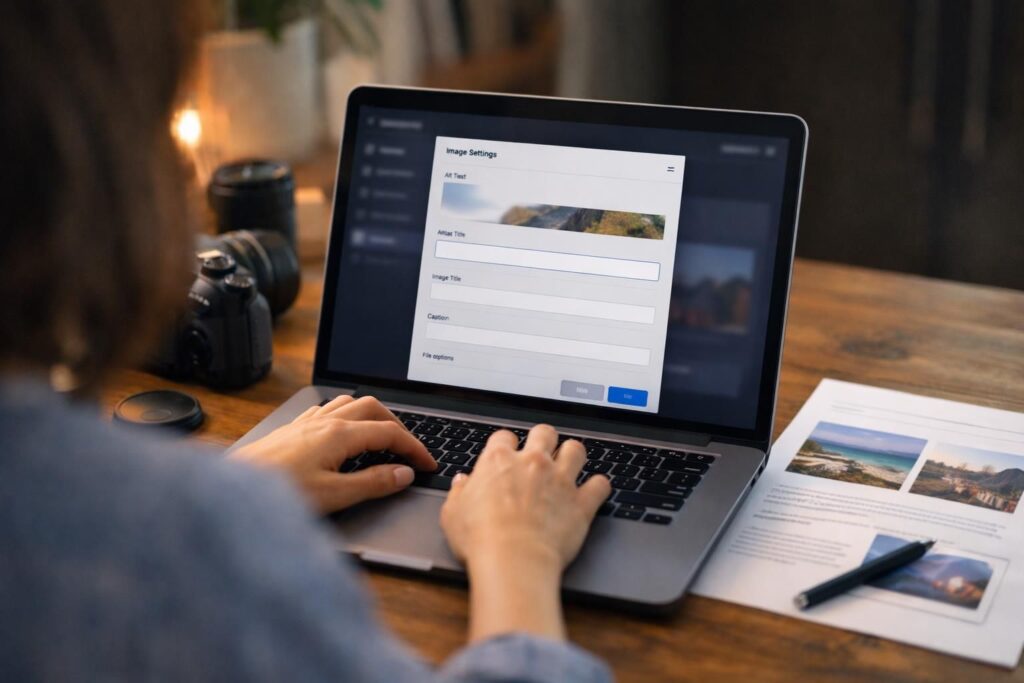
Alt text sits at the intersection of accessibility and search. If you have ever wondered does alt text help seo, the honest answer is yes, but mostly in ways people oversimplify. Alt text helps search engines understand images, improves image SEO, and can reinforce what a page is about without magically boosting rankings on its own. In this guide, you will learn what alt text is, how Google uses it in web search versus Google Images, when it matters most, and how to write it so it serves both humans and SEO.
Best for: Sites with meaningful visuals where images carry information, like products, charts, step-by-step photos, and screenshots.
Not ideal when: The image is purely decorative, repeated across pages, or adds no informational value beyond the surrounding text.
Good first step if: You want quick wins in image SEO by describing the main subject and context of each important image.
Call a pro if: You manage thousands of images, accessibility requirements, or complex templates where alt attributes are generated at scale.
Quick Summary
- Alt text is the alt attribute on an HTML img tag that describes an image in words.
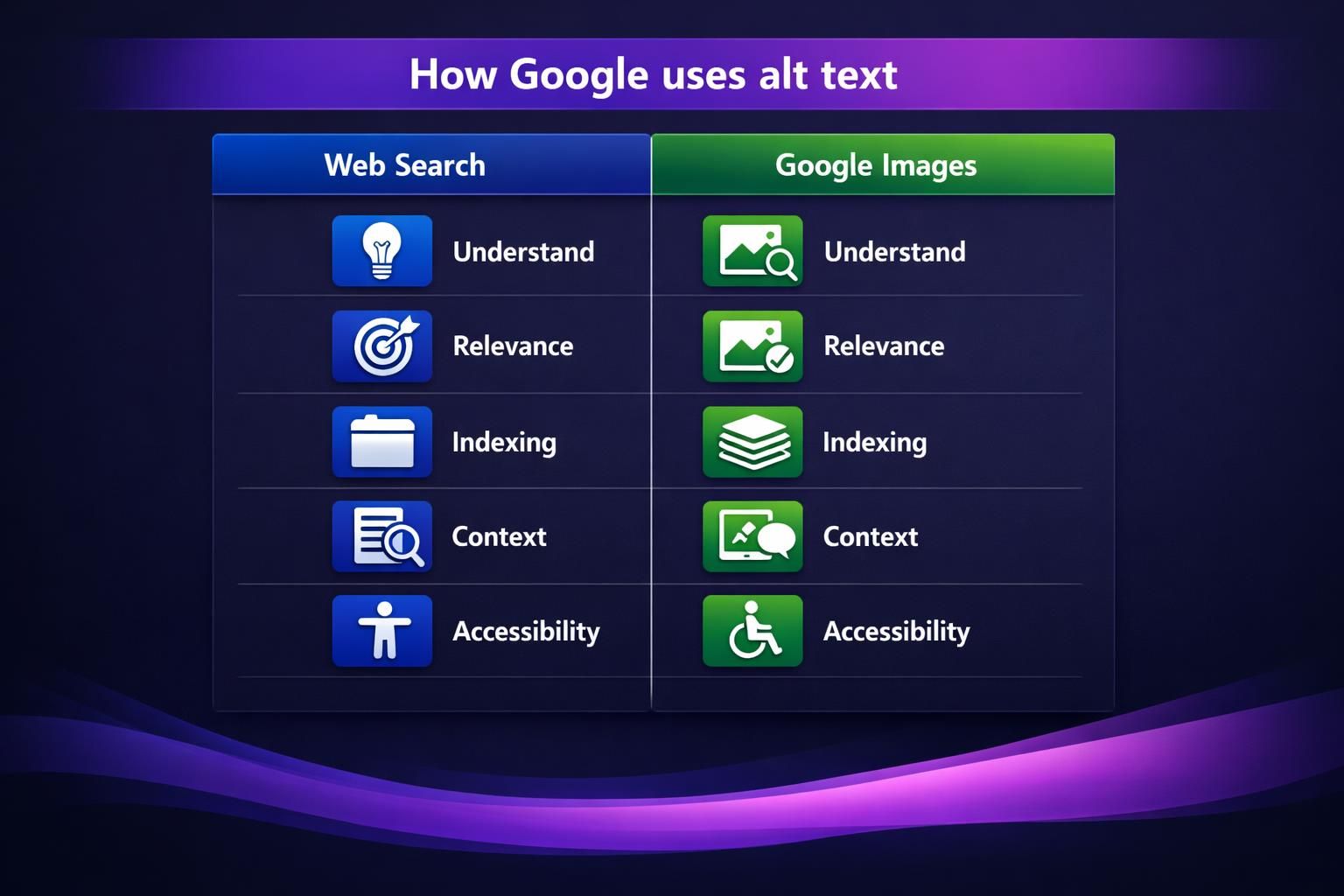
- Google uses alt text to support image understanding, indexing, and image search results relevance.
- For web search results, alt text is usually a supporting on-page SEO signal, not a standalone lever.
- The best alt text is concise, specific, and written based on page purpose and context.
- Decorative images should use an empty alt attribute so screen readers skip them.
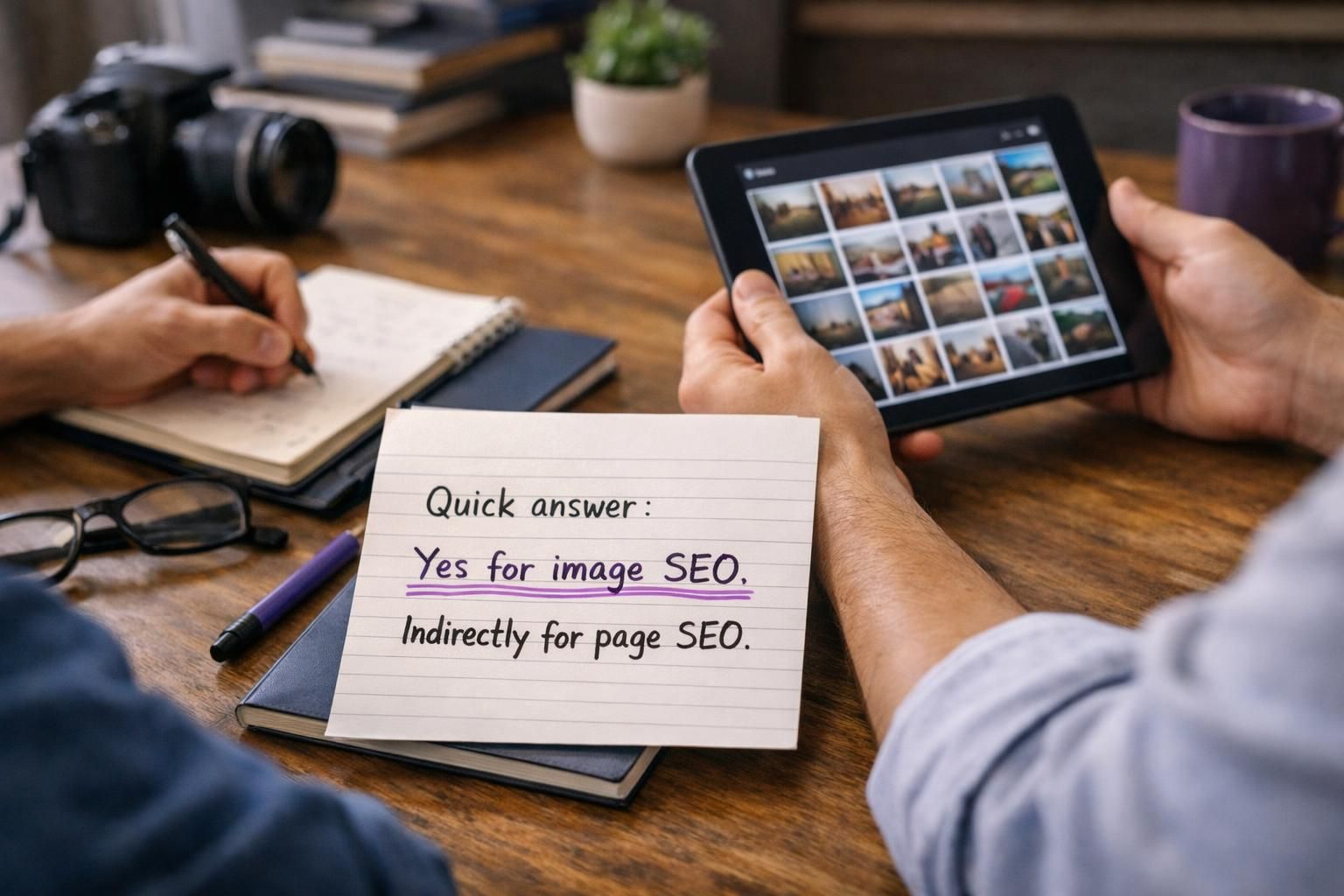
Quick Answer: Yes for Image SEO, Indirectly for Page SEO
Alt text helps most with image SEO and only indirectly with page SEO. In Google Images, descriptive alt text improves query matching and understanding, which is essential for knowing how to write alt text. In web search, it mainly reinforces relevance and accessibility, not rankings. Treat it as clear communication.
What Alt Text is (and What It’s For)
Alt text is the description in an image’s HTML alt attribute. Its primary role is accessibility: screen readers announce it when users cannot see the image. It also provides context if the image fails to load. Write what the image shows and why it matters for Google Image SEO best practices on the page. Add it in your CMS image settings or in code as alt=”…”.
How Google Uses Alt Text (Web Search vs Google Images)
Google uses alt text to understand what an image shows and how it relates to the page, supporting crawling and indexing when visuals are unclear. Guidance frames alt text as accessibility-first, not a guaranteed ranking boost. In Google Images, alt text can be a stronger relevance cue alongside page topic and nearby text. In web results, it mainly reinforces on-page meaning. See SEO writing guidance.
When Alt Text Helps SEO Most (Use Cases)
Alt text helps most with image SEO and only indirectly with page SEO. In Google Images, descriptive alt text improves query matching and understanding, which is essential for knowing about WordPress image SEO. In web search, it mainly reinforces relevance and accessibility, not rankings. Treat it as clear communication.
Ecommerce & Product Images
For ecommerce, alt text should
Blog Visuals, Charts, and Screenshots
For charts, diagrams, and screenshots, alt text should summarize what the visual shows and the point it supports. Keep it brief, and explain detailed data in nearby text, including how to describe data clearly in your alt text.
Alt Text Best Practices That Align With Accessibility and SEO
Write alt text for people first, since accessibility is the standard. Be concise, naming the main subject and only the context that matters to the page. If nearby text already explains the image, keep alt text short. Process: identify the subject, decide the image’s job, add only useful details, then reread as if you cannot see it. See step by step tutorials.
Write for Humans First (Context + Specificity)
Write alt text that answers what the image is and why it’s included. Replace vague labels with specific, contextual descriptions. On troubleshooting pages, emphasize the error state or key UI element.
Keyword Usage Without Stuffing
Use keywords only when they naturally describe what’s shown and fit the page topic. Stuffing harms accessibility and looks manipulative. Use plain language, add brand/model only if visible, and avoid repeating phrases.
What to Do With Decorative, Functional, and Linked Images
Handle images by purpose. Informative images need descriptive alt text; decorative images should use empty alt to avoid noise; linked images need alt text that acts like anchor text for decorative images. Ask: if the image disappeared, would information be lost? If yes, describe it; if no, leave alt empty. If it’s a link, describe the destination or action.
Decorative Images (Alt=””)
For a decorative image, use an empty alt attribute, often written as alt=””. This tells a screen reader to ignore it, improving accessibility. Common decorative images include purely stylistic icons, background flourishes, and repeated separators that do not add meaning beyond layout.
Images as Links (Alt as Anchor Text)
If an image is a link, its alt text functions as link text for assistive tech. Describe destination or action (“View size guide”), not the icon. Align with main navigation page.
Common Alt Text Mistakes (and Fixes)
Common mistakes: vague labels, overly long descriptions, and keyword stuffing. Fix them by naming the main subject, keeping only details that support the page purpose, and writing natural phrasing. Also avoid duplicates across templates. If multiple icons add no information, make them decorative with empty alt; if they differ, describe each icon’s unique meaning.
Examples: Good vs Bad Alt Text (Templates You Can Copy)
Good alt text is specific, contextual, and brief; bad alt text is vague or stuffed. Use these templates, then match what is visible:
- Product photo: Bad “shoes running shoes best running shoes”; Good “Blue women’s running shoes, side view”; Better “Blue women’s running shoes with white sole, side view on white background”
- Screenshot: Bad “dashboard”; Good “Analytics dashboard showing traffic sources”; Better “Analytics dashboard highlighting organic search traffic sources panel”
- Chart: Bad “chart of sales”; Good “Bar chart comparing monthly sign-ups”; Better “Bar chart comparing monthly sign-ups for free vs paid plans”
- How-to photo: Bad “step 3”; Good “Hand tightening faucet nut under sink”; Better “Hand tightening faucet nut under sink using adjustable wrench”
Conclusion
Alt text is worth doing because it improves accessibility and strengthens