




An seo friendly image file name helps both users and search engines understand what an image shows before it’s even loaded. It’s a small detail, but it connects to bigger wins: clearer image URLs, easier media library organization, and stronger signals for image search and accessibility workflows. In this guide, you’ll learn what makes a filename “SEO-friendly,” why it matters, and the exact rules to follow. You’ll also get copy/paste patterns, naming ideas for blogs and ecommerce, and safe ways to rename existing files without creating a broken image link (404). The goal is simple: consistent, readable filenames that support relevance and performance.
Best for: Site owners who want clearer image URLs and better discoverability in image search without changing on-page copy.
Not ideal when: Images are purely decorative and never need to be found, indexed, or referenced outside the page layout.
Good first step if: Your uploads still use a default camera filename (e.g., IMG_1234) or inconsistent naming convention across pages.
Call a pro if: You need bulk renaming across many pages and must avoid broken links, missed redirects, or CMS/media library conflicts.
Quick Summary
- Use plain, descriptive words that match what’s in the image and the page topic.
- Prefer hyphens (-) over underscore (_) or spaces in filenames for readability.
- Keep names short and specific; avoid long strings, IDs, or repeated keywords.
- Filenames support image SEO best when aligned with alt text, captions, and surrounding content.
- Renaming after publishing can change the image URL, so plan redirects and updates carefully.
What is an SEO-friendly Image File Name?
An SEO-friendly image file name is readable and descriptive, showing the image subject in a simple, consistent format. Instead of “IMG_1234.JPG,” use something like “stainless-steel-french-press.jpg” so both crawlers and humans can infer the subject from the URL. Good names typically use lowercase, hyphens, and minimal noise like random numbers, as seen in effective alt text examples.
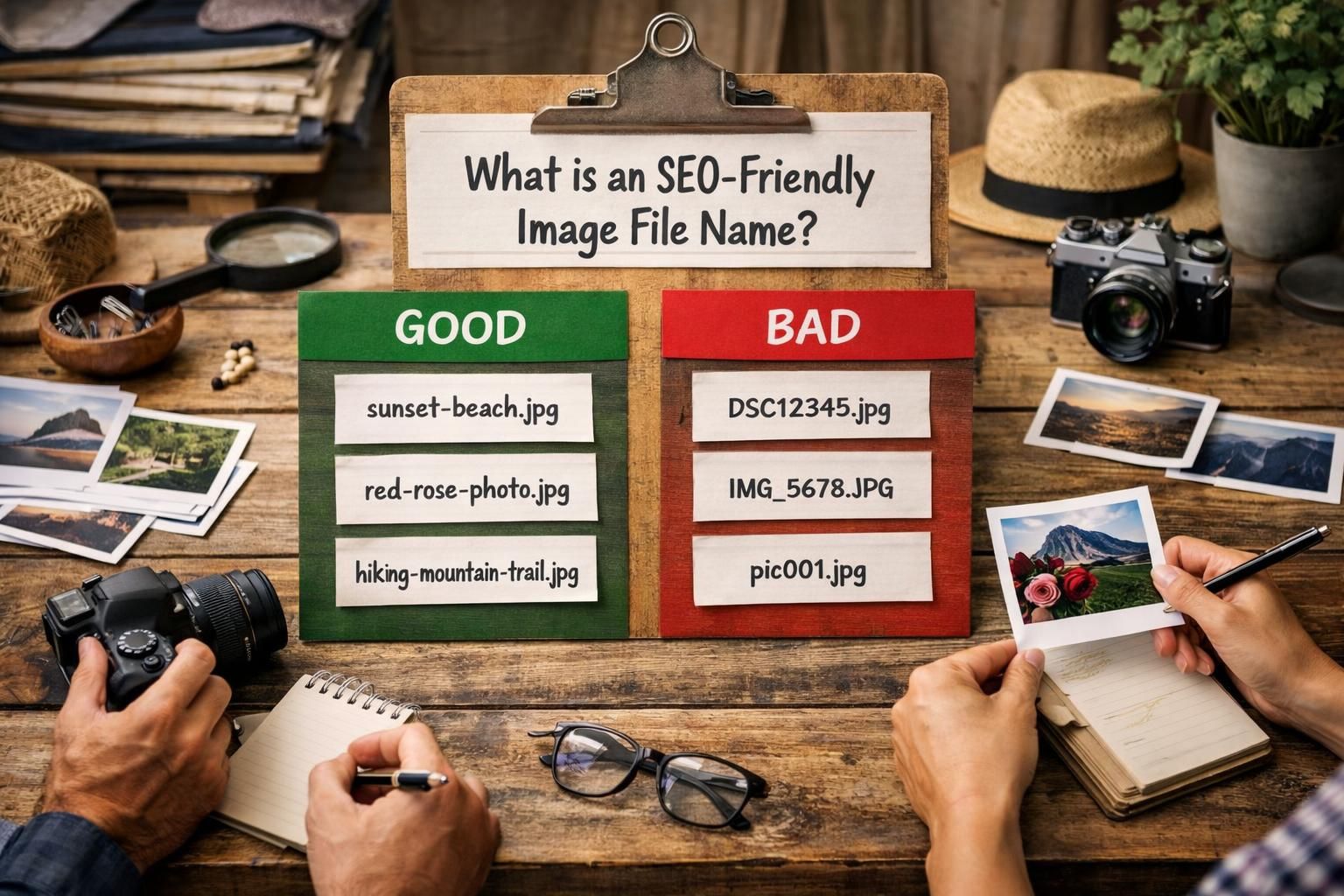
Because filenames become part of image URLs, they also act like durable asset slugs and make libraries easier to search.
Why Image File Names Matter for SEO
Image file names matter because search engines use many hints to understand images, and the filename is an early, simple signal in the URL. A descriptive name can reinforce relevance alongside the page topic and alt text, helping images surface for the right queries and reducing ambiguity.
They also matter operationally. Clear names help teams organize assets, avoid duplicates, and keep conventions stable. Renaming later can create broken image links (404) on your pages or on external embeds if URLs change. Good naming upfront avoids cleanup. See step by step tutorials.
Image Filename Best Practices (the Rules)
Use filenames that describe what’s actually in the image, formatted safely, and applied consistently site-wide. Don’t name files for what you hope to rank for. Include a target keyword only when it naturally matches the visual and the page intent. Avoid keyword stuffing, repeated phrases, and filler words.
Filenames aren’t the whole story. Oversized, uncompressed images hurt speed and Core Web Vitals. Choose the right format (JPEG/PNG/WebP/AVIF), resize to the layout, and compress to a sensible KB/MB. A clean filename plus fast delivery beats either alone. For standards, see practical SEO guides.
Use Hyphens, Lowercase, and Safe Characters
Use hyphens (-) between words, stick to lowercase naming, and avoid spaces in filenames to keep URLs clean and predictable. Hyphens are widely treated as word separators, while underscore (_) is more likely to be read as a connector that hides word boundaries. Spaces can become encoded characters in an image URL, which looks messy and can complicate sharing.
Limit characters to letters, numbers, and hyphens; avoid symbols, accents, and punctuation that may not travel well across servers or CDNs. Keep the extension standard and correct, like .jpg, .png, .webp, or .avif.
Keep it Short, Descriptive, and Keyword-relevant
Keep filenames short by removing nonessential words while preserving meaning. A good rule is: if you can read it once and instantly picture the image, it’s probably descriptive enough. If the image supports a specific query on the page, add the keyword once, not multiple times.
Prioritize specifics over categories. “running-shoes” is vague; “womens-trail-running-shoe-side-view” is clearer if that’s what the image shows. Avoid dates, session IDs, and long parameter-like strings that look autogenerated.
Good vs Bad Examples (Copy/paste Patterns)
Good filenames are readable and specific; bad ones are generic, cryptic, or stuffed with repeated terms. Use these patterns as templates and swap in nouns that match the real image for effective image filename SEO.
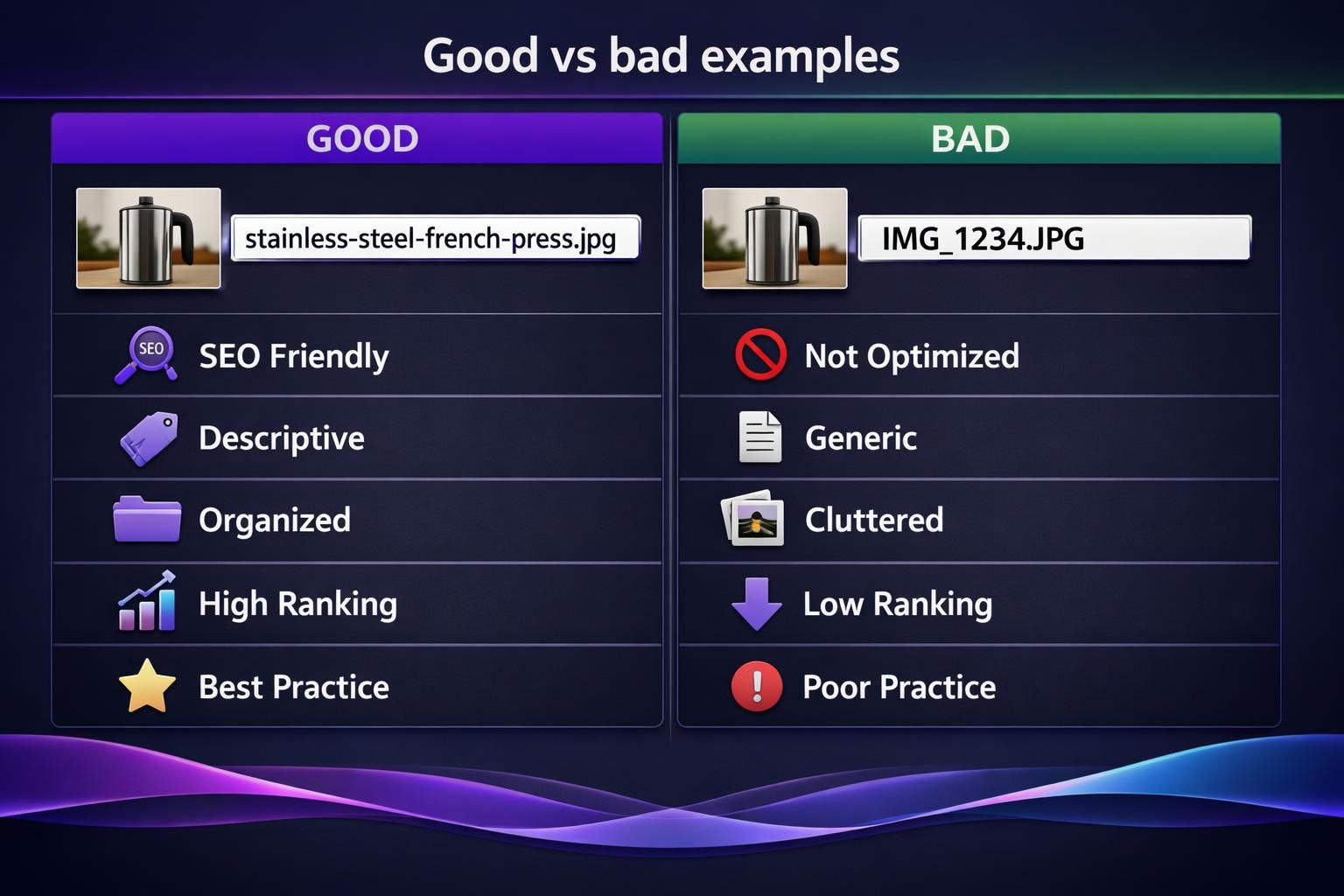
Good patterns:
- primary-subject-descriptor.jpg
- brand-model-color-angle.png
- service-location-feature.webp
- before-after-topic.avif
Bad patterns:
- IMG_1234.JPG
- screenshot 2026-01-01 10.22.33 AM.png
- best-seo-friendly-image-file-name-best-practices-best-practices.jpg
- 9f3a2bfinalv7_newNEW.png
Sanity check: if the URL looks trustworthy in a browser tab, it’s fine. If it looks temporary, rename it. See more writing resources.
How to Name Images for Different Use Cases
Name images based on how they function on the page, not just where they live in your folders. An ecommerce product photo usually needs model-level precision, while a blog illustration might only need topic-level clarity. The goal is to make each image filename unique enough that you can tell similar images apart without opening them, which is essential when considering how to rename an image in WordPress.
Also consider scaling: if you publish frequently, define a naming convention your whole team can follow. Decide whether you’ll include a brand name, product SKU, location term for local SEO, or an angle descriptor like “front,” “side,” or “in-use.” Consistency makes bulk renaming less necessary later and keeps your media library searchable as it grows.
Blog Images vs Ecommerce Product Images
Blog images should usually reflect the concept being illustrated and the section they support, like “content-brief-template” or “internal-linking-diagram.” If you have multiple images about the same concept, add a differentiator such as “example-1” or “workflow-step-2” rather than repeating the same words.
Ecommerce product images should be more structured, for example “brand-model-color-front-view” or “model-123-black-heel-detail.” This helps avoid duplicates, supports filtering in a media library, and reduces confusion when you use responsive images with srcset, where several sizes of the same asset may exist.
Decorative Images, Icons, and Backgrounds
Decorative image files can use simpler names because they are not meant to rank or convey unique information. For an icon set, a consistent system like “icon-search,” “icon-cart,” or “icon-close” is usually better than trying to force keywords into every filename. For repeating backgrounds, names like “bg-grid-light” or “bg-hero-gradient” keep maintenance easy.
Even for decorative image assets, safe formatting still matters: avoid spaces in filenames, keep names lowercase, and don’t rely on special characters. Also remember that decorative image handling is more about accessibility than SEO: these images often have empty alt text and should follow Google Image SEO best practices.
How Filenames Work With Alt Text, Captions, and Image SEO
Filenames help image SEO when they align with alt text, captions, and on-page context, but they don’t need to match exactly. The filename is a small hint in the image URL. Alt text is the accessibility description that also helps search engines, as outlined in the Accessibility Image Alt Text Guidelines. Captions add visible context for users. The title attribute is usually optional and often ignored.
Use a division of labor:
- Filename: short label of what it is.
- Alt text: accurate description and purpose.
- Caption: optional context, source, or clarification.
If structured data references images, keep URLs stable and point to the displayed asset. See how our blog works.
How to Rename Images Without Breaking Your Site
Renaming an image is safe only if you update every place the old URL is used or keep the old URL working. Changing a filename usually changes the path, which can break pages, CSS backgrounds, emails, and external shares. The safest time to rename is before upload.
If you must rename after publishing, find all usages (CMS content, templates, CDN), rename, update references, and test rendering. Then clear caches so new URLs serve correctly. Monitor logs or analytics for 404s or drops in image search visibility.
When You Must Redirect / Update URLs
Redirect or update URLs when the old image URL is public and likely to be requested again, such as assets on high-traffic pages, linked from other sites, or indexed in image search. Use a 301 redirect if your server/CDN can reliably redirect image paths.
When you control the pages, update references directly to avoid extra hops. If doing bulk renames, work in batches and verify no 404s in the browser, logs, or previews. Confirm any dynamic imaging still points to the correct asset.
Quick Checklist Before You Upload
Run this checklist right before publishing to keep your workflow clean and consistent. It’s far easier to fix naming and sizing now than after the image URL spreads across your site.
- Rename from camera defaults to a meaningful filename.
- Use lowercase and hyphens; avoid underscores and spaces.
- Add a keyword only if it truly describes the image and page intent.
- Keep it short; remove dates, filler, and random strings.
- Pick the right format (JPEG/PNG/WebP/AVIF).
- Resize to display dimensions and compress for a reasonable file size.
- Use responsive images (srcset) and lazy load when appropriate.
- Add accurate alt text and an optional caption.
- Ensure caching/CDN won’t serve outdated files.
- If important for discovery, include it in your sitemap.
Conclusion
A clear filename is an easy win: it improves organization, creates cleaner image URLs, and adds a relevant signal that supports your on-page context. The best approach is to standardize a naming convention, rename files before uploading, and keep filenames readable, specific, and free of keyword stuffing. If you do need to change existing image URLs, update references and use redirects where needed to avoid 404s. Apply these rules consistently and your seo friendly image file name choices will quietly support stronger, more maintainable image SEO, as detailed in our WordPress Image SEO.